Getting bold on social media — fast
AI-assisted from upload to schedule — curate, caption, and create entire posts automatically, with full control whenever you want it.
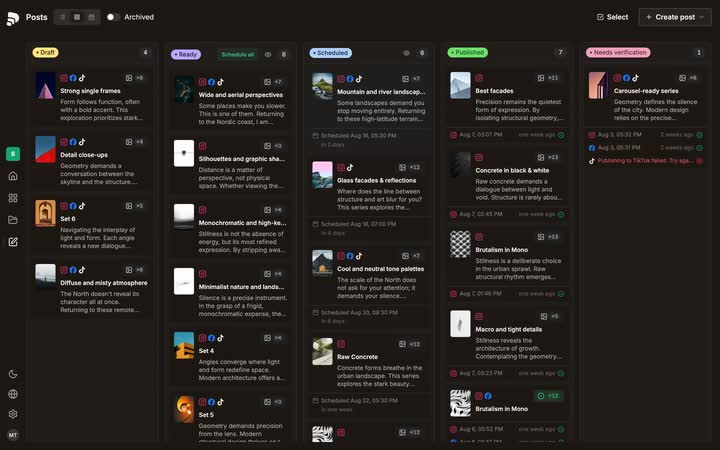
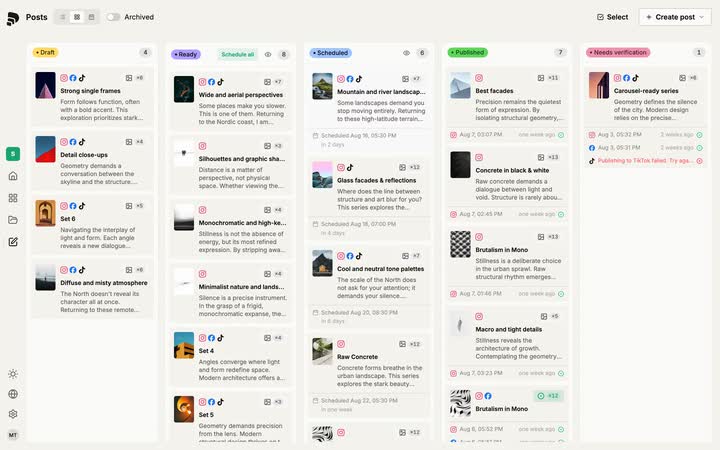
One plan, three views — board, week list, calendar. Open any post and see every channel it goes out on.
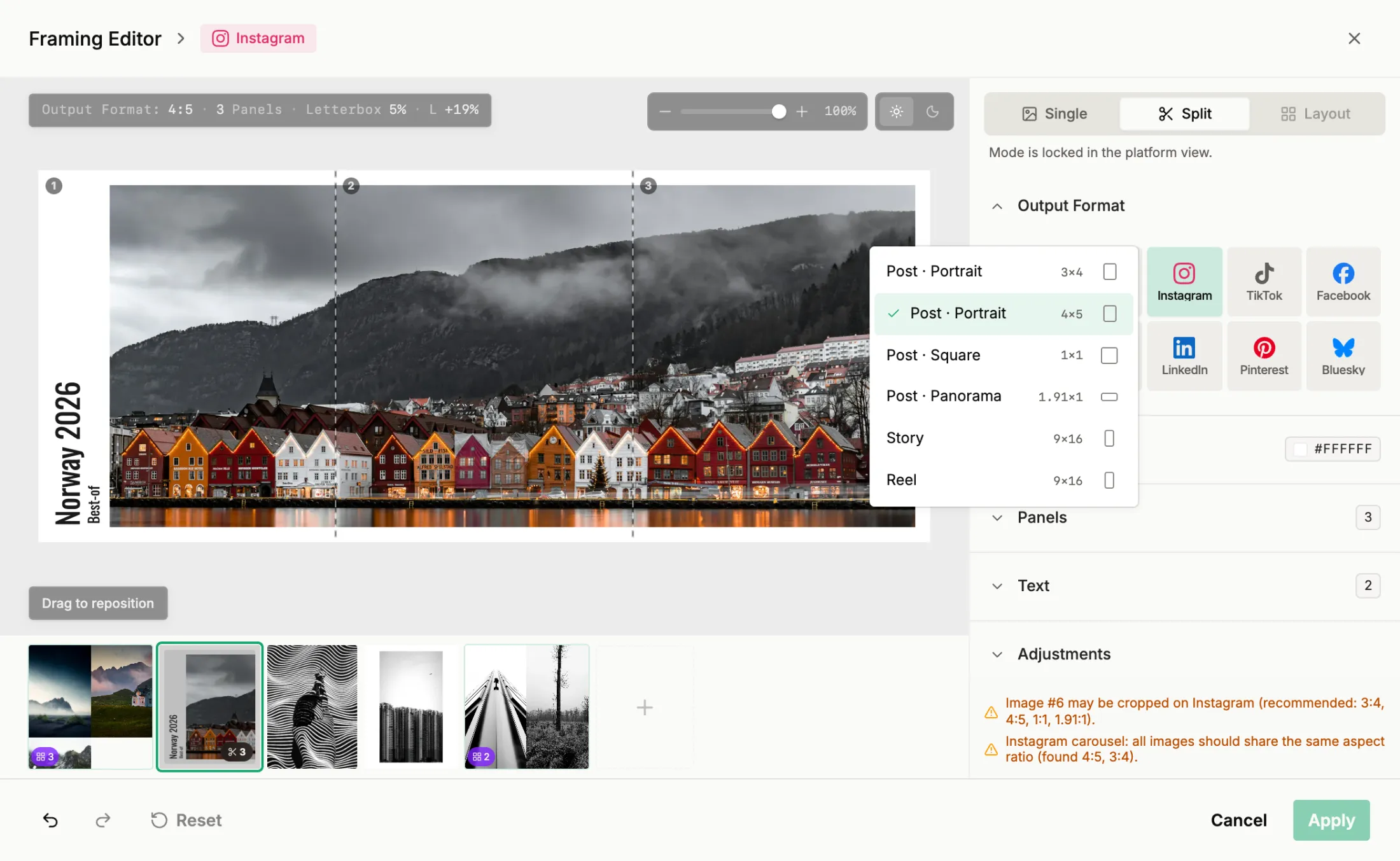
One wide photo, one portrait post. Split it across tiles, letterbox it, set the line — per channel, without leaving the composer.
Hand a week of posts to one rule — cadence, how many a day, which hours. The calendar redraws as you turn it.
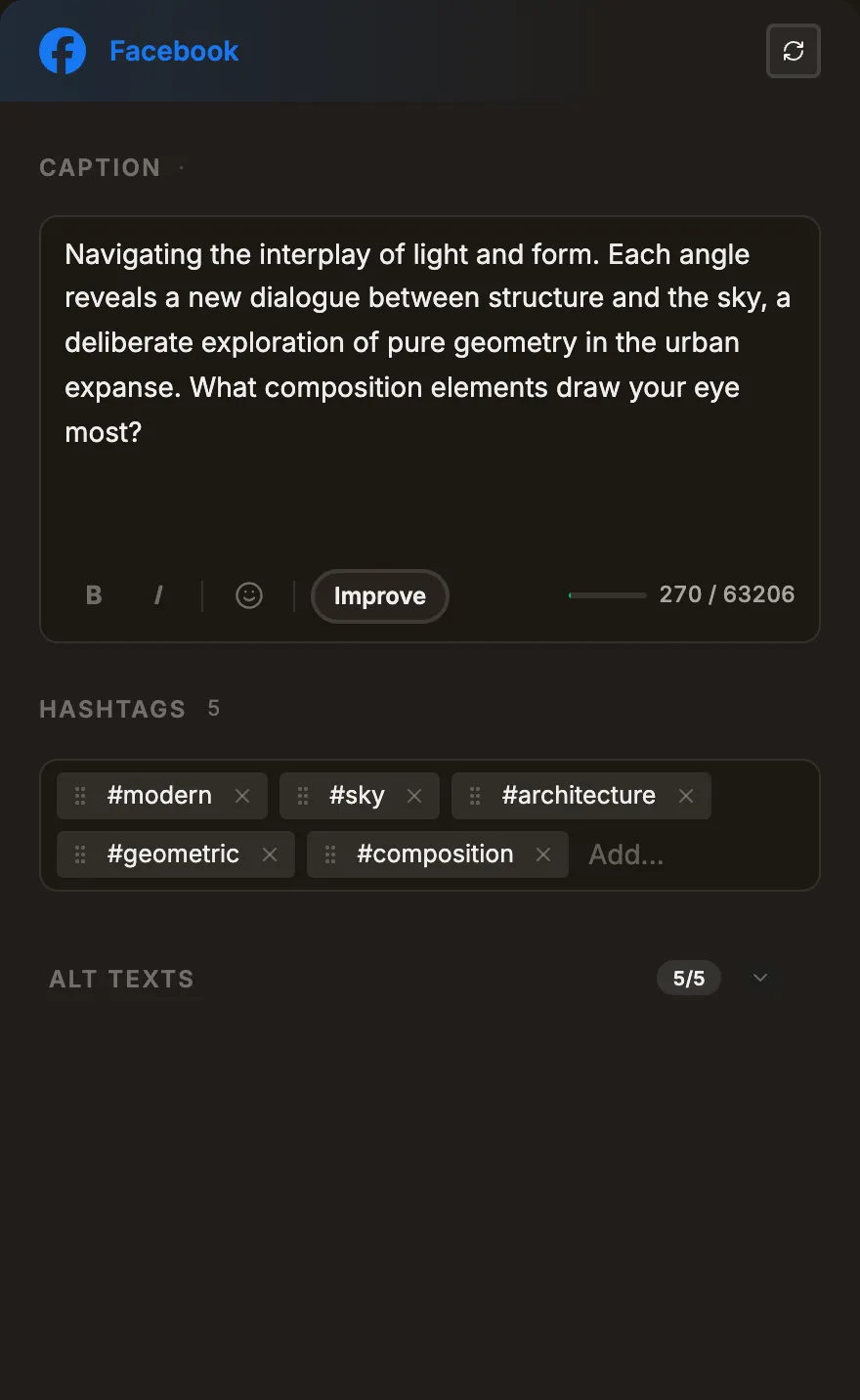
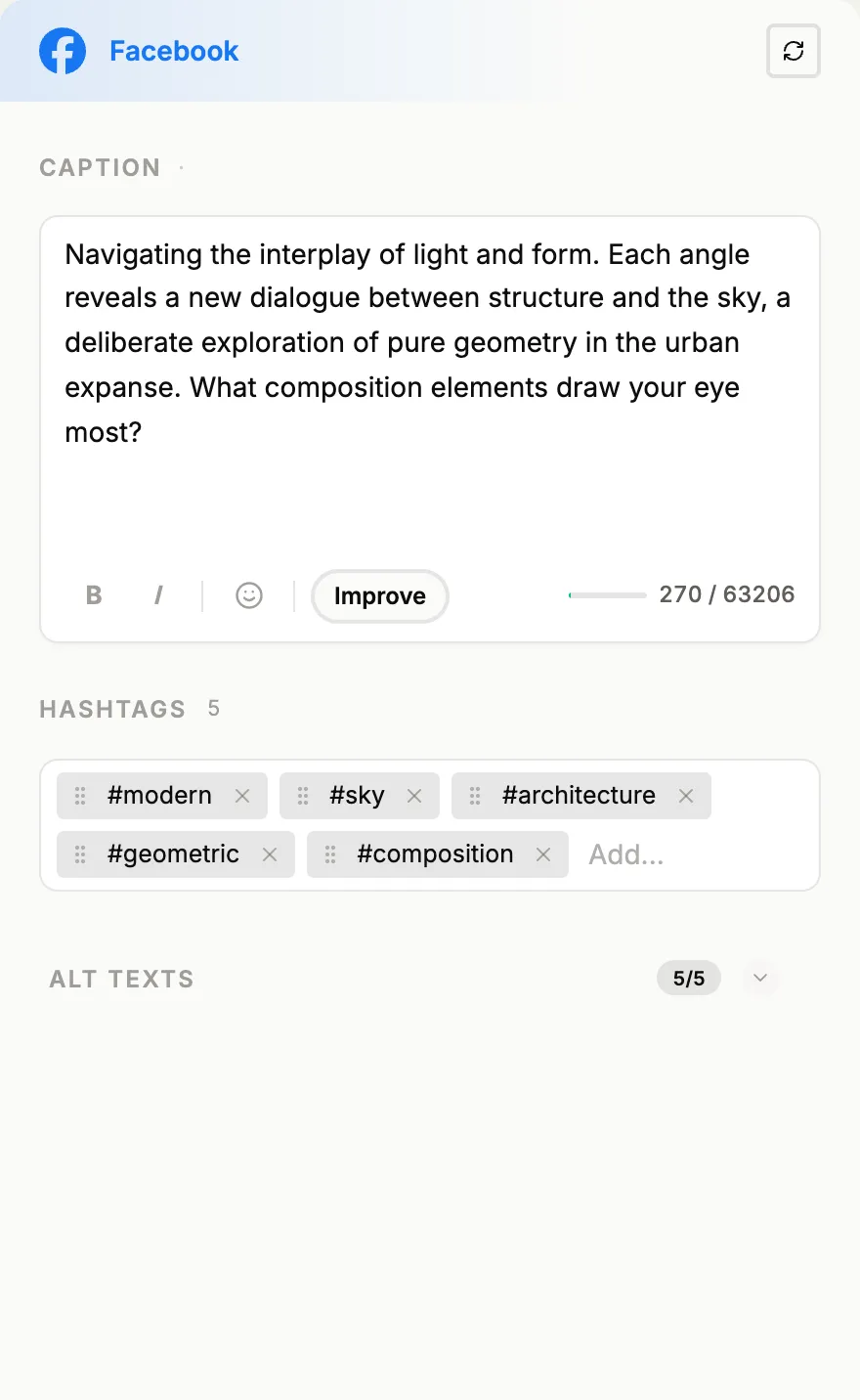
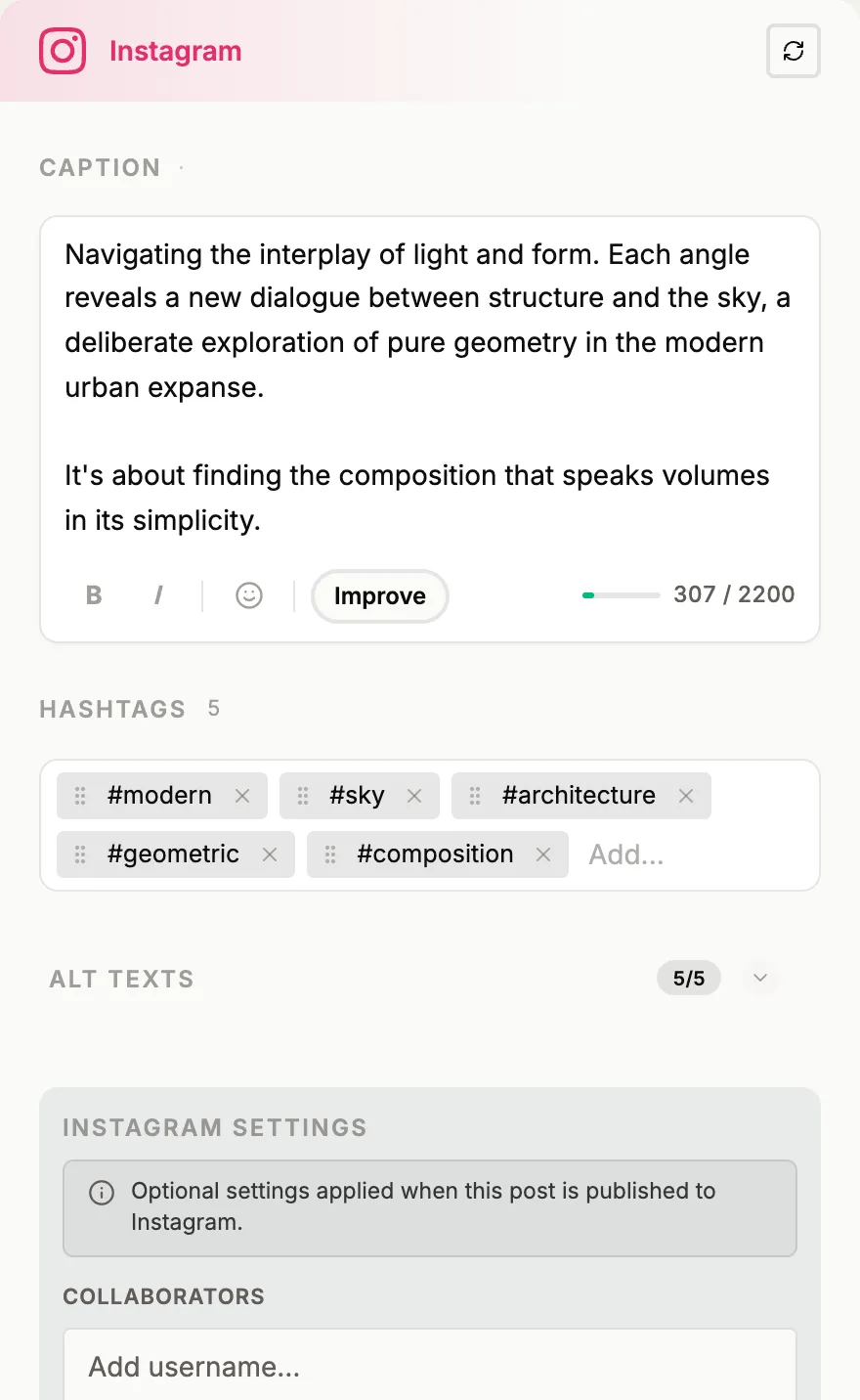
Caption, hashtags and platform warnings side by side — one card per channel, written for you.
Your whole shoot, sorted. Folders, tags and descriptions come off the images themselves.
Who is published.social made for?
published.social starts where the work is already done. A full shoot, a finished project, weeks of a client’s feed. AI does the groundwork. The creative decisions stay yours.

Designers & illustrators
The work is done. It just sits in a folder.
Pull a finished project out of Eagle, group what belongs together, and post the work you already made.
- Eagle plugin
- A project to draft posts
- Crops per platform
- Layouts & title cards
- Captions in your voice

Photographers
One shoot, weeks of feed.
Import straight from Lightroom, let the sets build themselves, and see every post before it goes live.
- Lightroom Classic plugin
- Set/carousel editor
- Platform framing editor
- Caption templates
- Feed preview

Studios & agencies
Several brands, one workflow.
Every client keeps its own look, its own voice and its own queue — without a second tool per account.
- Brand per client
- Own voice per brand
- Batch set generation
- Batch post generation
- Batch scheduling
How published.social fills the gap between your work
and social media
Bring the work in
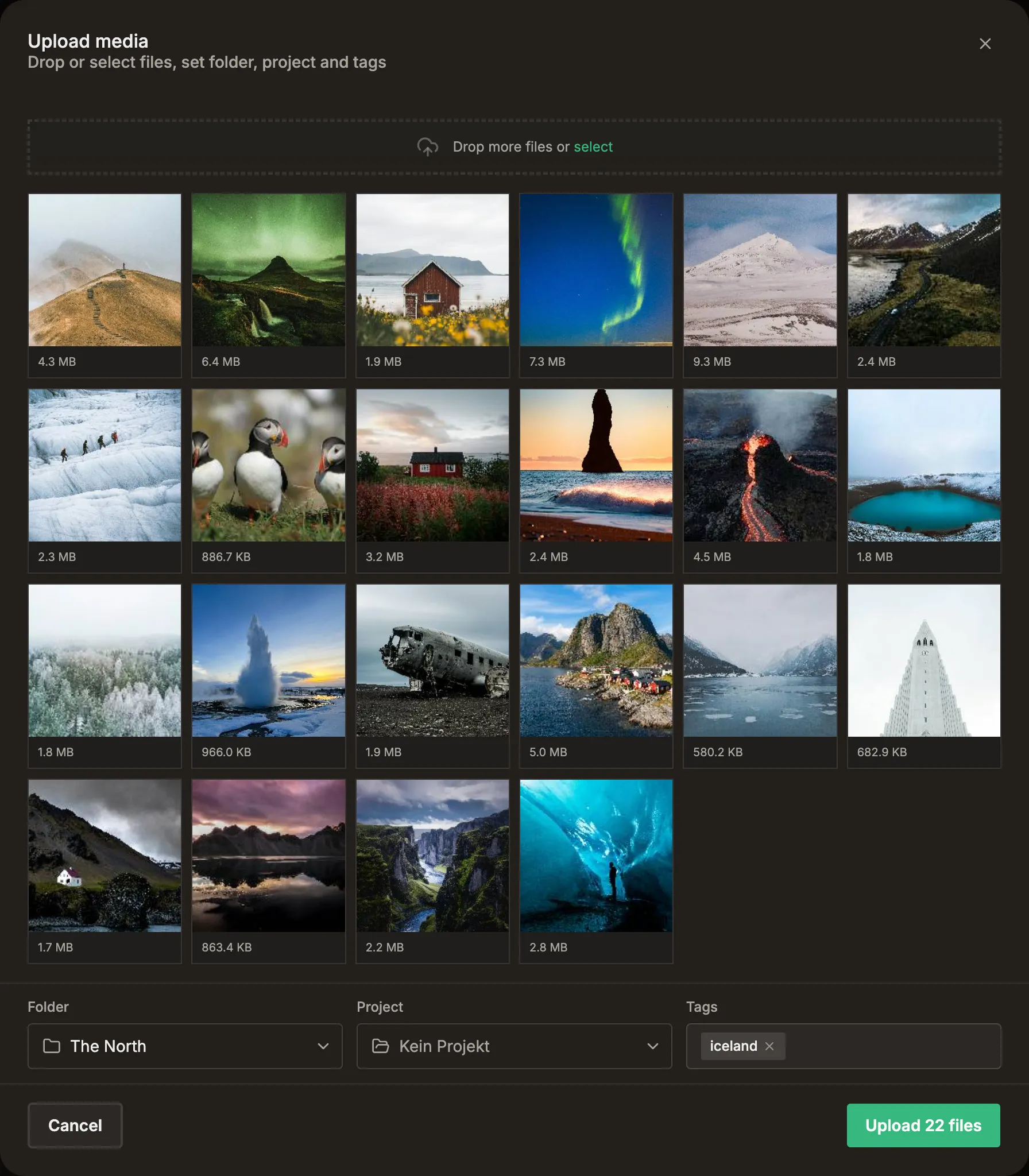
The edit is done. Hundreds of selects on a drive. Getting all of it in takes one drop, and that is where the stretch to your feed begins.
Upload
AI assistedThe whole folder at once.
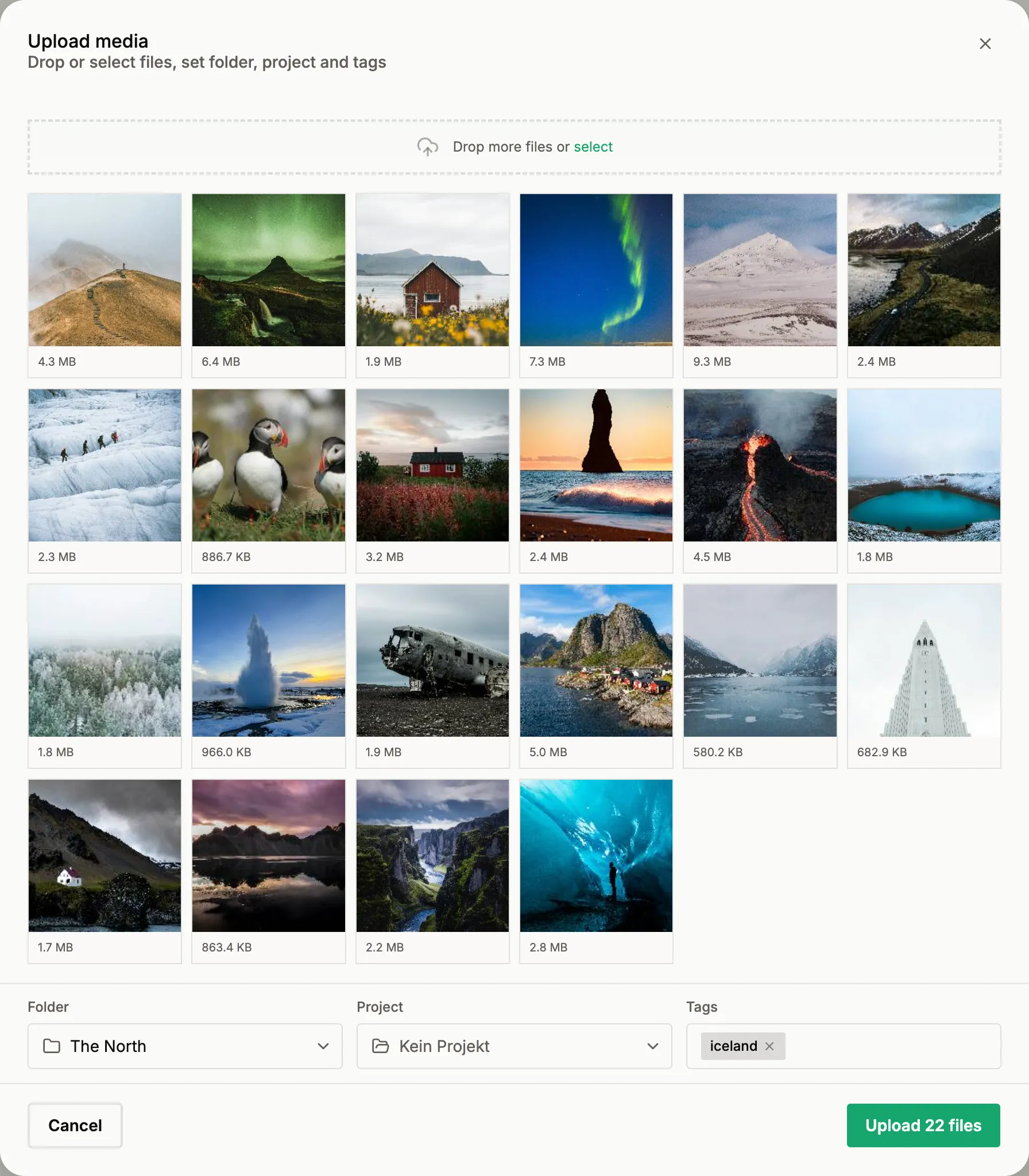
Drag it in and keep working while the upload runs in the background. Every file is analysed and tagged as it arrives.
- Browser or plugin based
- Full resolution
- Metadata extraction
- Auto-tagging
Plugins
Straight out of Lightroom and Eagle.
Send your selects from where you already edit them. No export folder, no upload detour.
- Direct post generation
 Lightroom Classic
 Eagle
Eagle
Find what belongs together
The posts are already in the pile. Search, group frames into sets, keep it all in one project.
Search
AI assistedFind the frame you mean.
Type what you remember. The search reads the picture, not the filename. Point at one frame and it brings back the rest of that look.
- Semantic search
- Similar frames
Set Editor
AI assistedCurate your work.
The creative part of a post happens here: which images belong together, and in what order. published.social can propose the grouping, you rearrange, swap and reorder until the set is the one you want.
- Carousels in order
- Easy drag and drop
- Feed preview
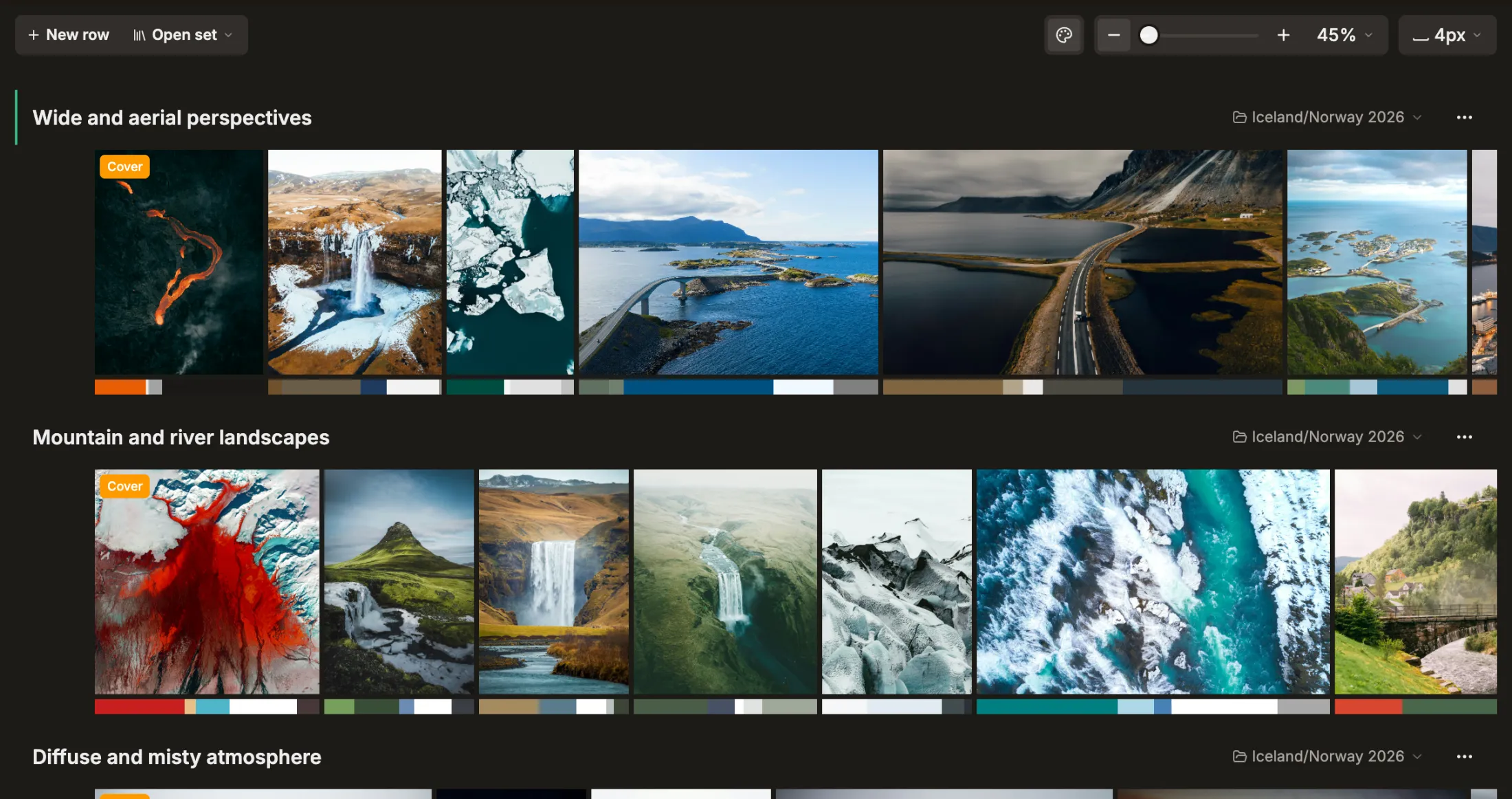
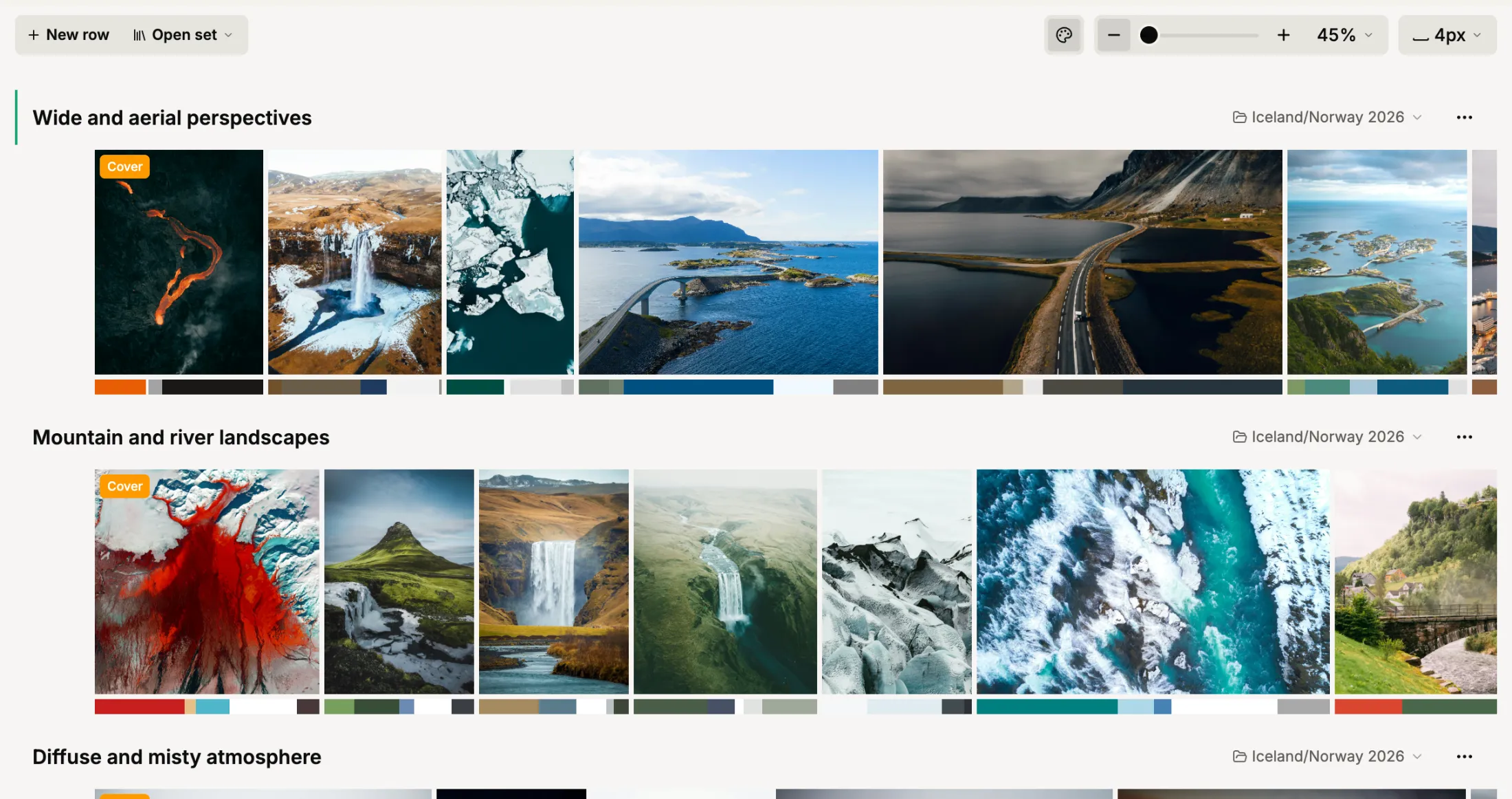
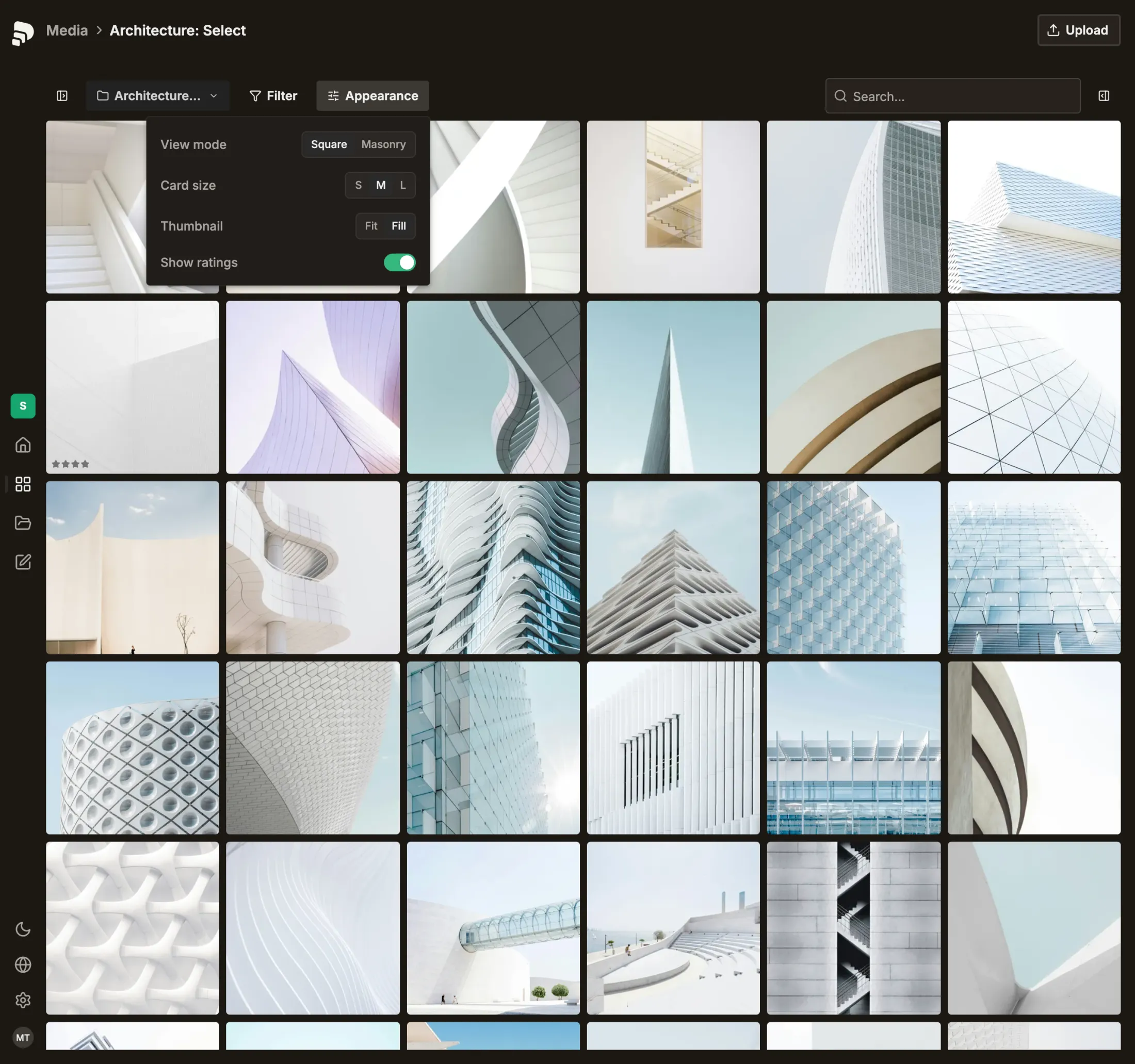
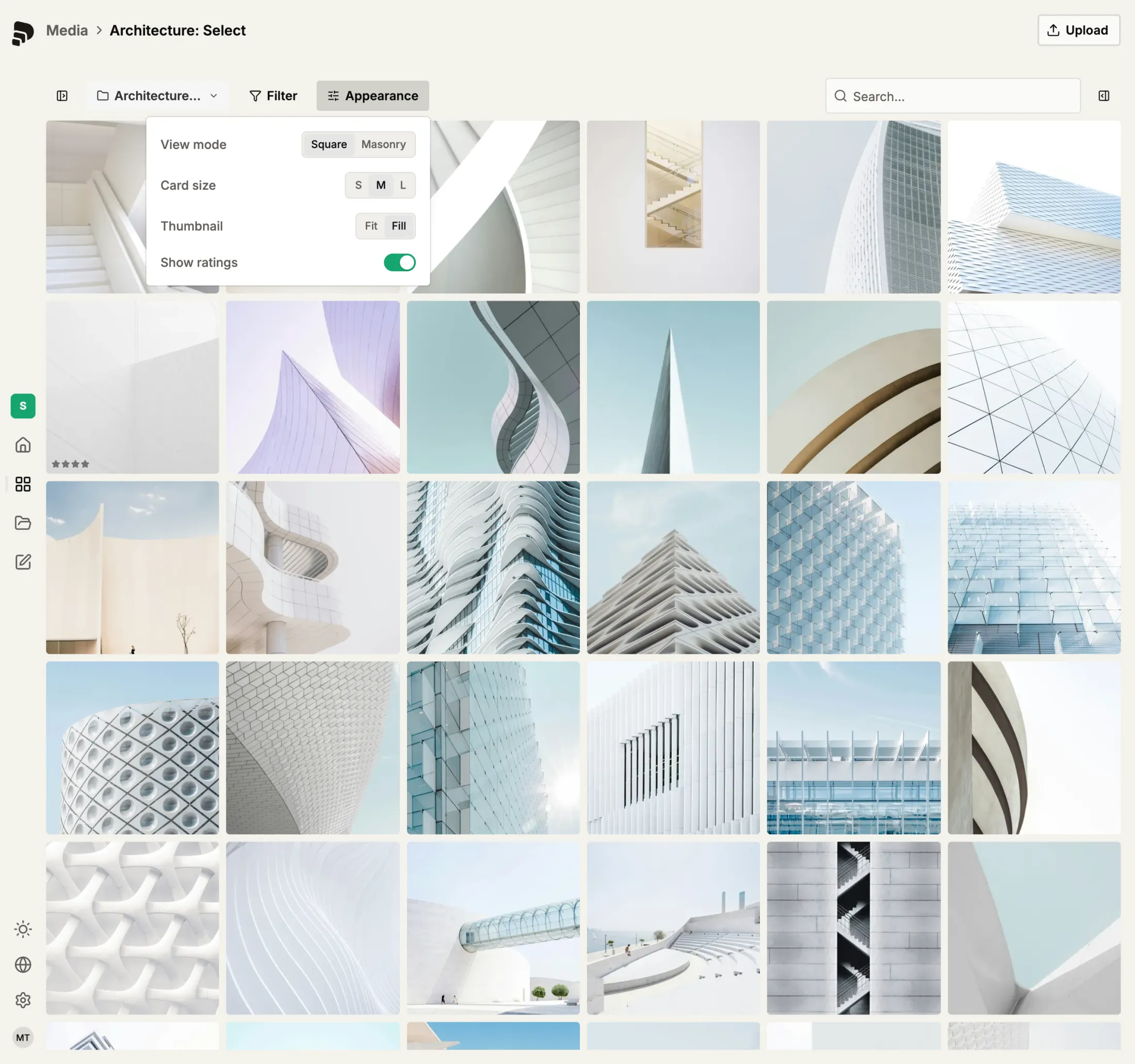
Library
AI assistedYour whole library, in order.
One library for everything you upload, filed into folders per job and tagged on arrival.
- Stacking filters
- Multiple view modes
Set Generator
AI assistedSelected images, grouped into sets.
Select the images you want to work with. published.social proposes sets from them, grouped by theme, by colour or by capture time. Keep the ones that work, drop the rest.
Projects
Organise images, sets and posts in projects.
A project holds one job together: the images, the sets built from them and the posts they became.






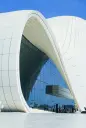



Turn your work into posts
Your images become draft posts, with a caption in your tone and a crop for every platform. You decide whether one goes out as a single frame, a carousel or a story series.
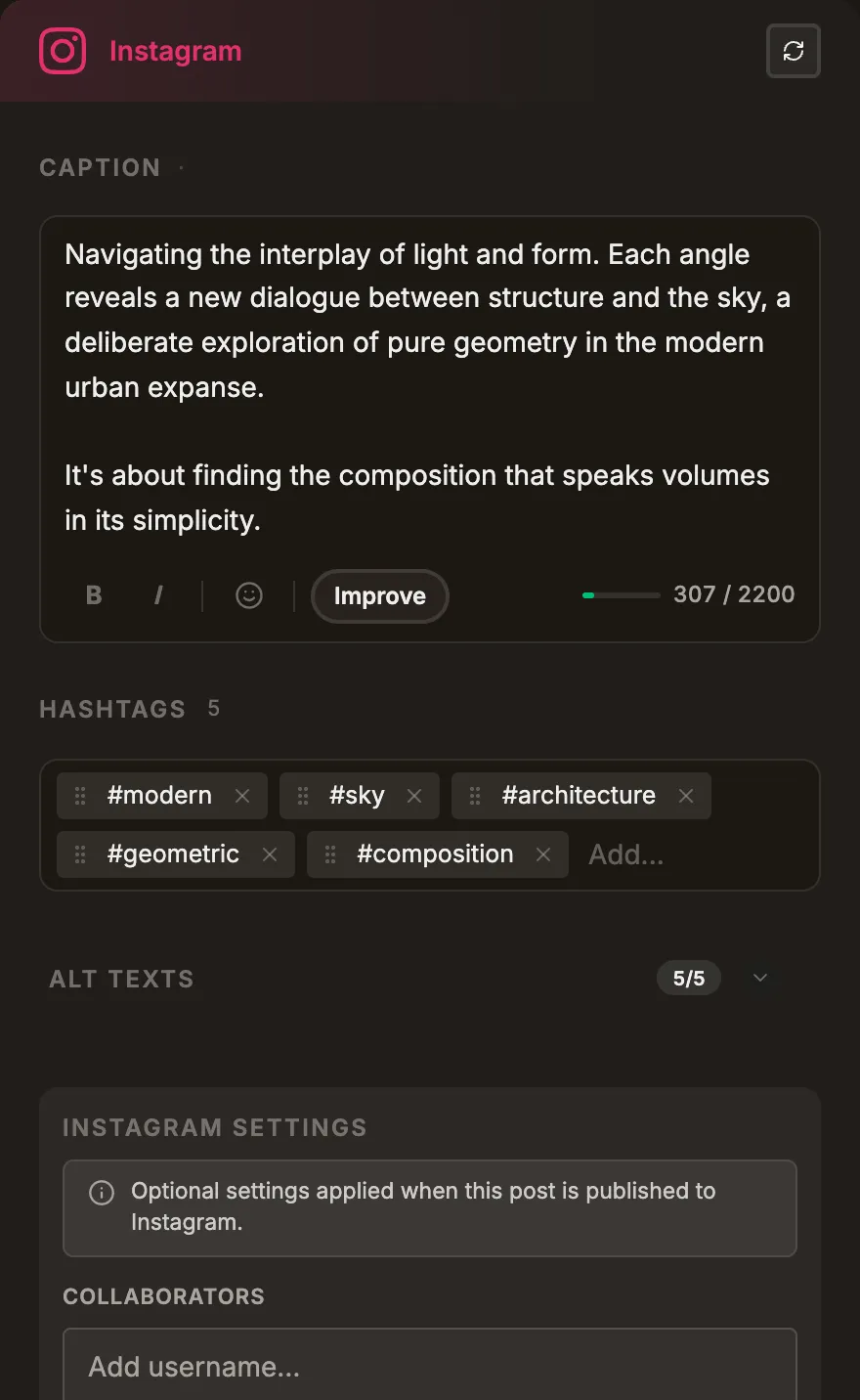
Post Generator
AI assistedOne briefing, platform-ready copy.
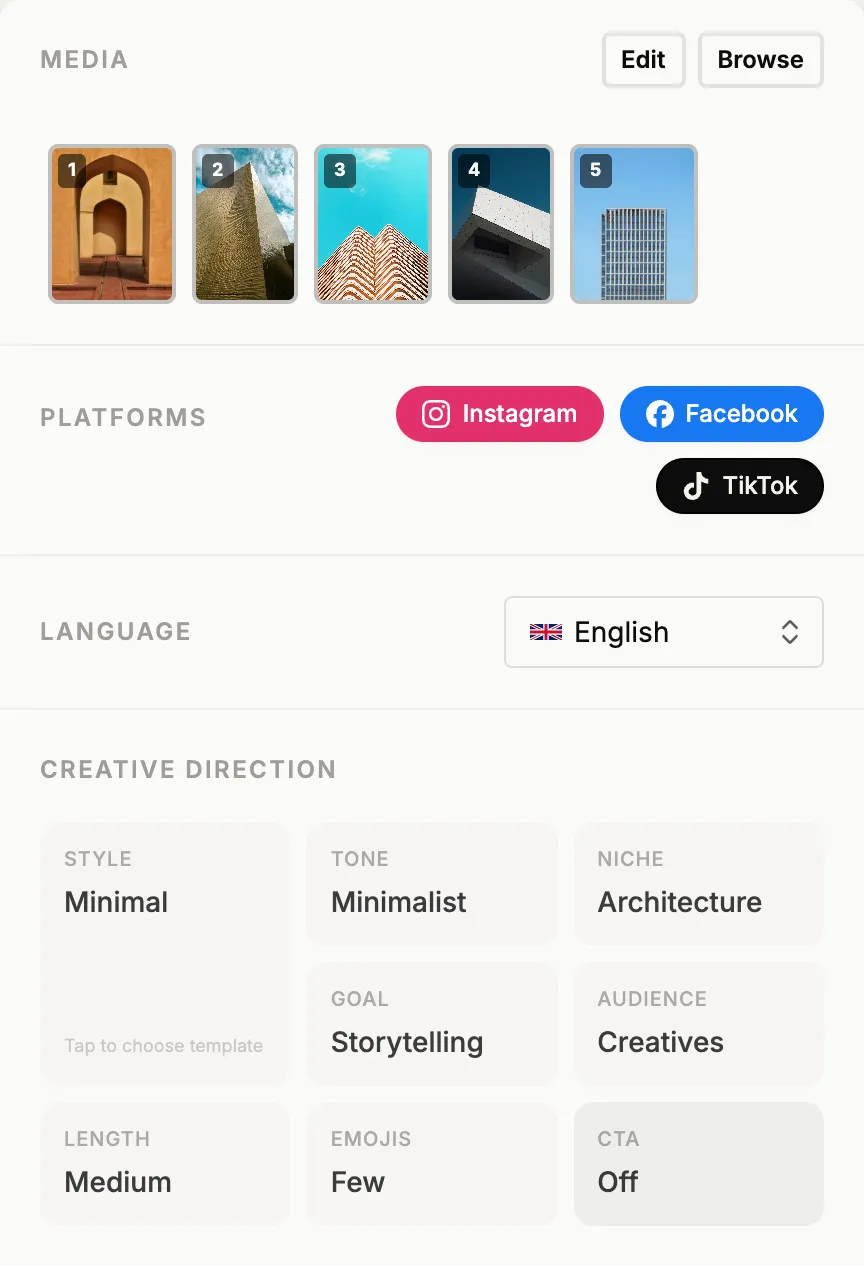
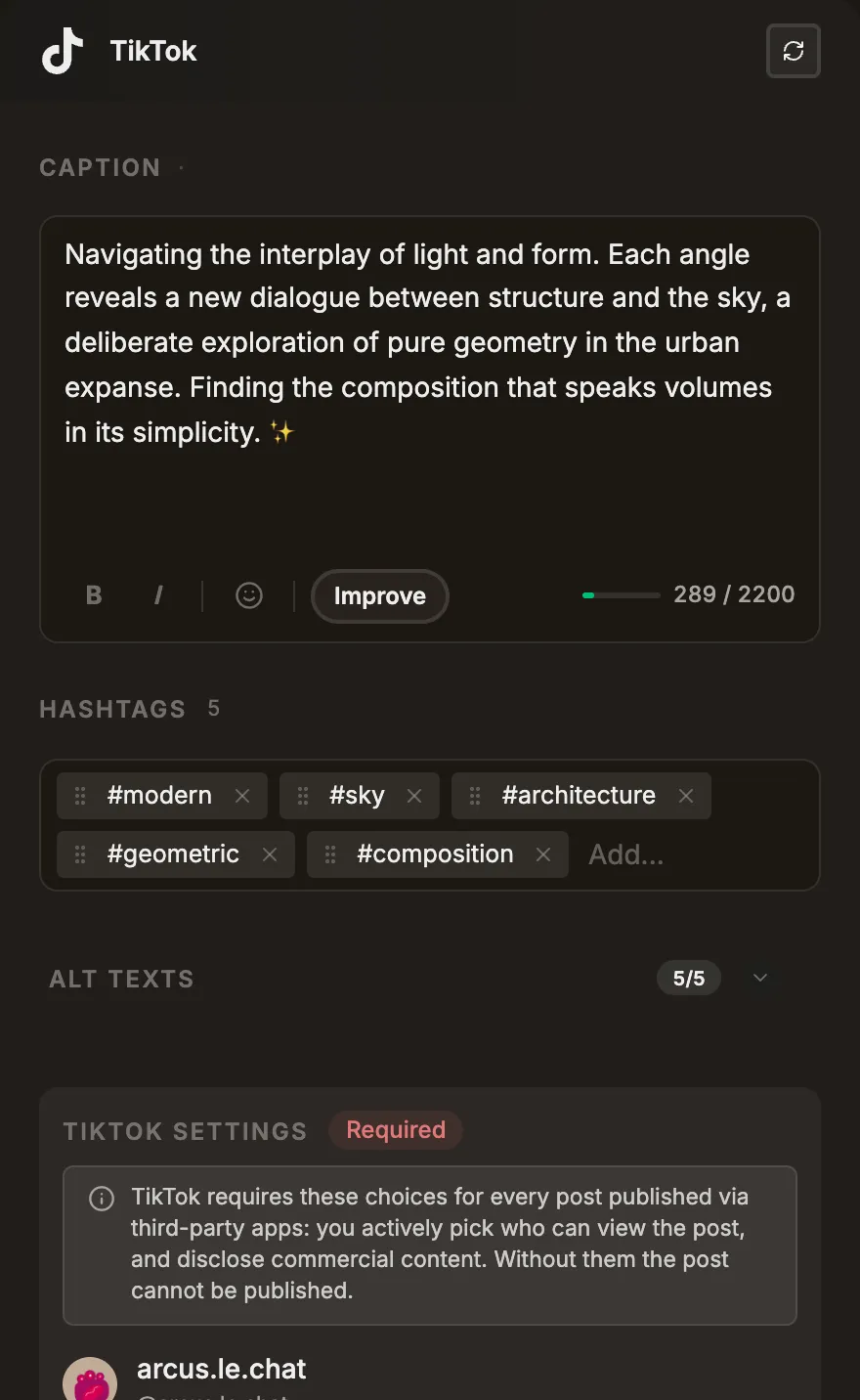
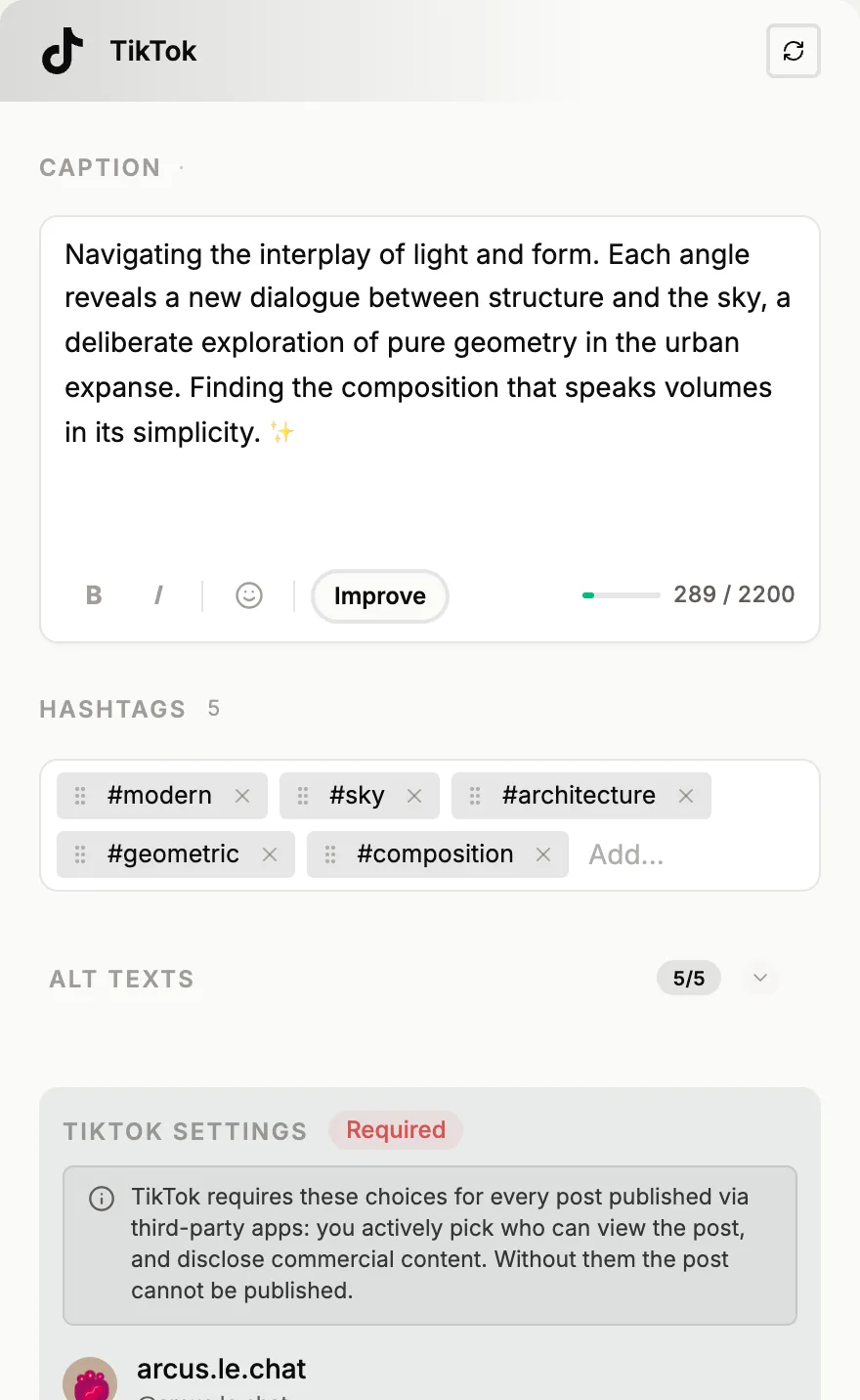
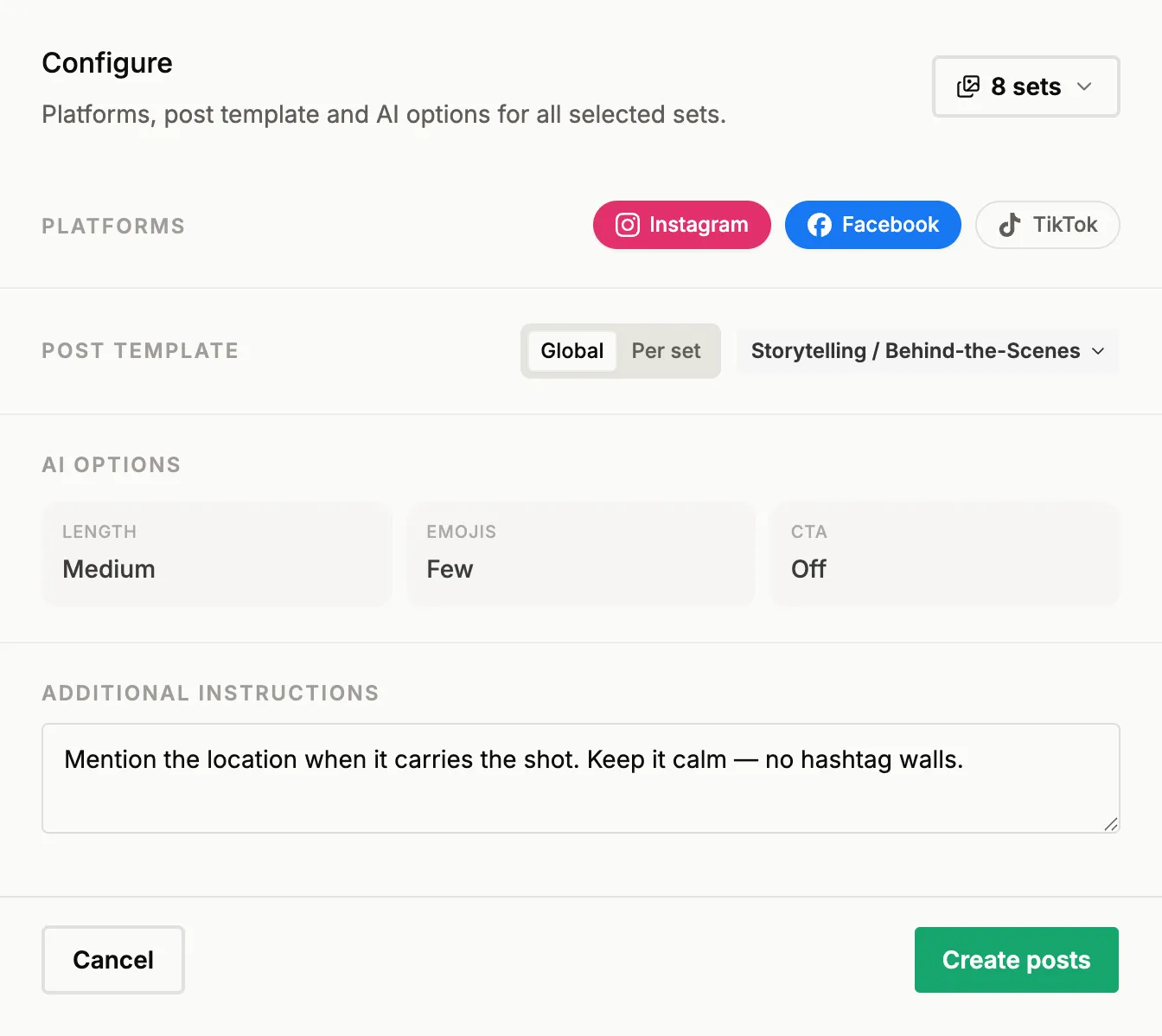
Give it a briefing and it writes captions, tags and alt text for every post, tailored to each platform and yours to review.
- Generate all at once
- AI caption polish
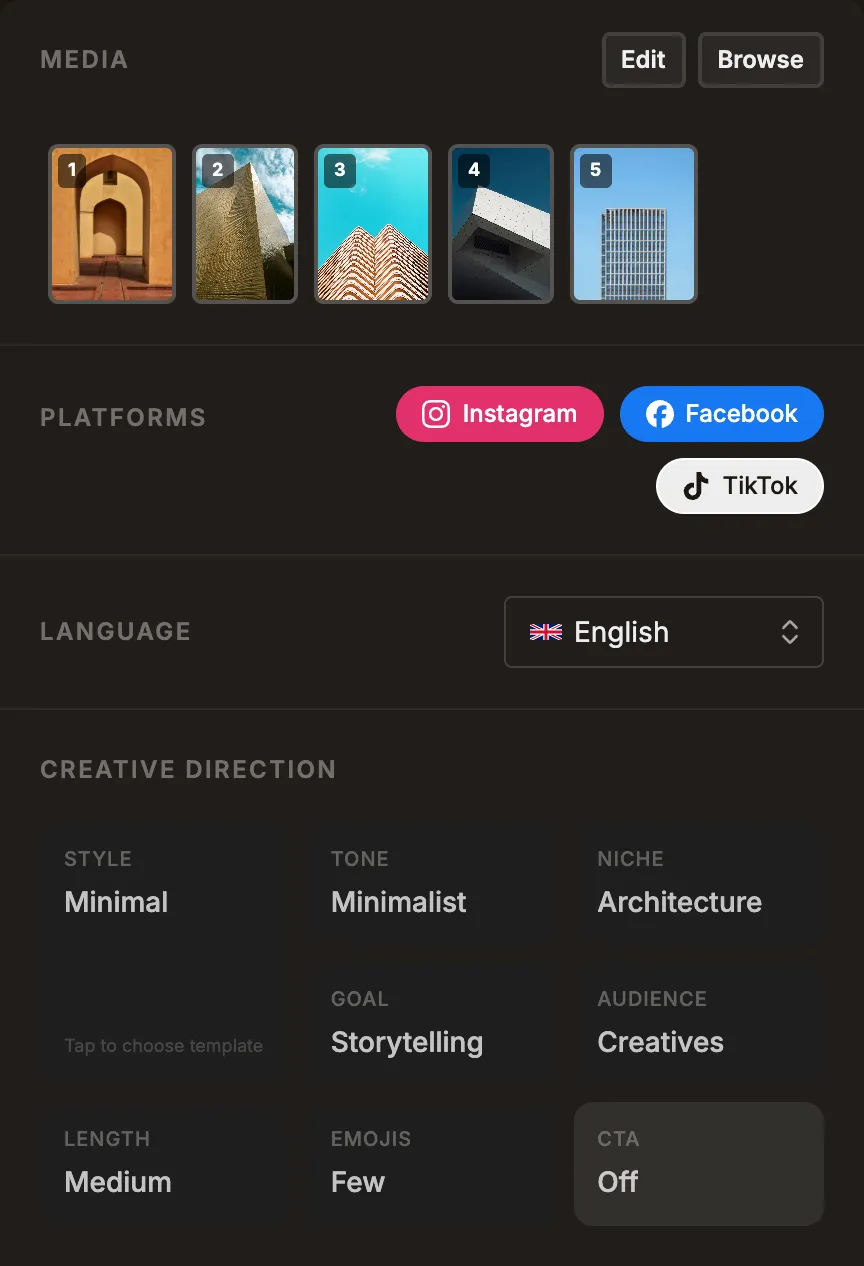
Caption Templates
AI assistedFor your niche and your voice.
The templates for creative niches are already there. Pick the one that fits your work, and the captions read like you wrote them, not like a tool did.
Post types
One set, every format.
A single frame, a carousel of up to ten, a story series that goes out frame by frame at the interval you set, or a text post without an image.
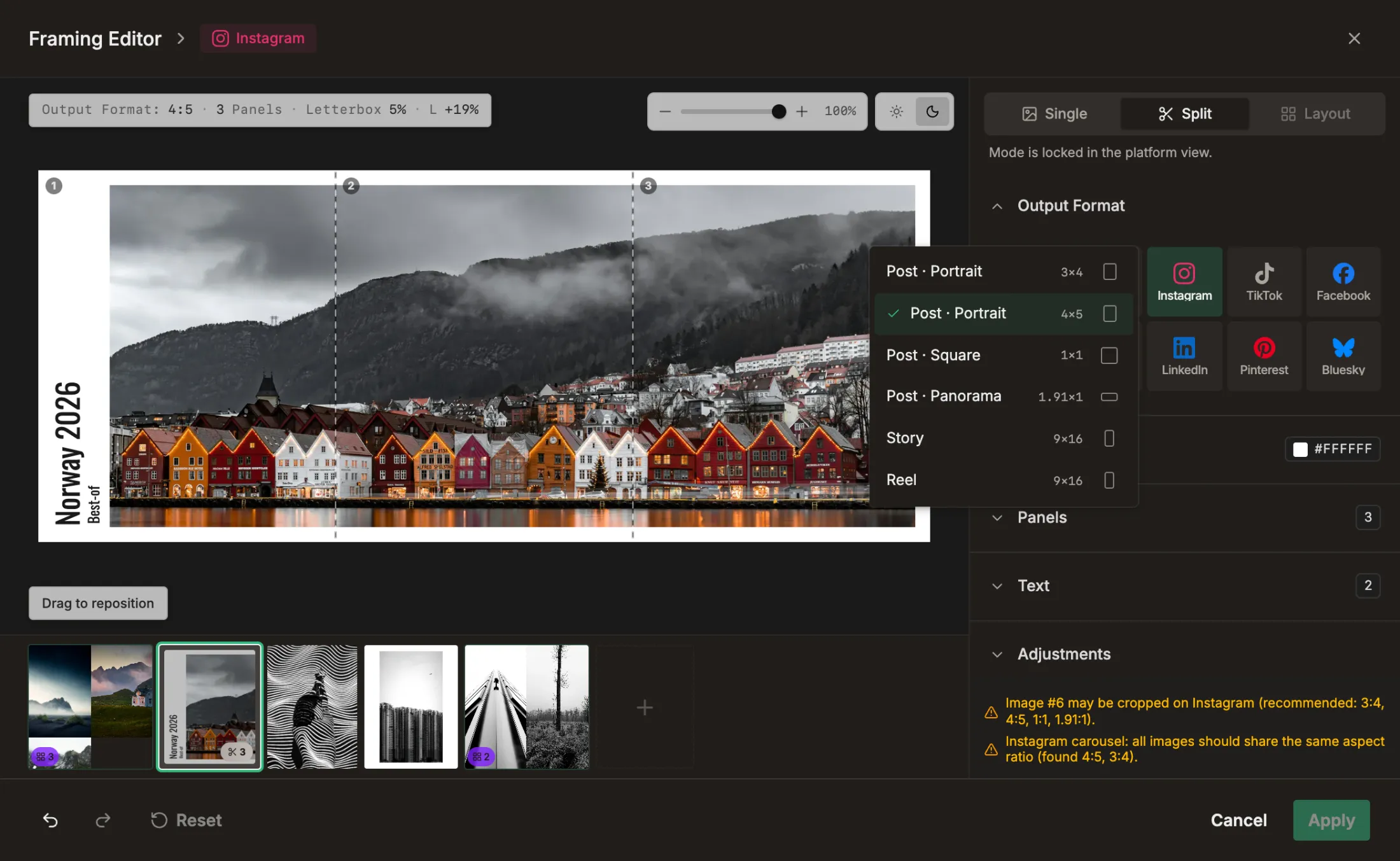
Framing Editor
Every crop a platform asks for.
One image, every crop it needs: 4:5, 1:1, 9:16. Your edit stays untouched. Frame it once, then apply the settings to every other image in the post.
- Letterbox framing
- Widescreen split across slides
- Different layouts
- All platform formats
- Reusable settings
- Text and title cards




Plan weeks of social media posts
Draft posts land on the calendar, previewed where they will appear. Weeks of feed, off your plate.
Batch Draft Posts
AI assistedA project of sets turns into posts.
One pass drafts a post from every set in a project. Each one captioned, waiting for your review and your final adjustments.
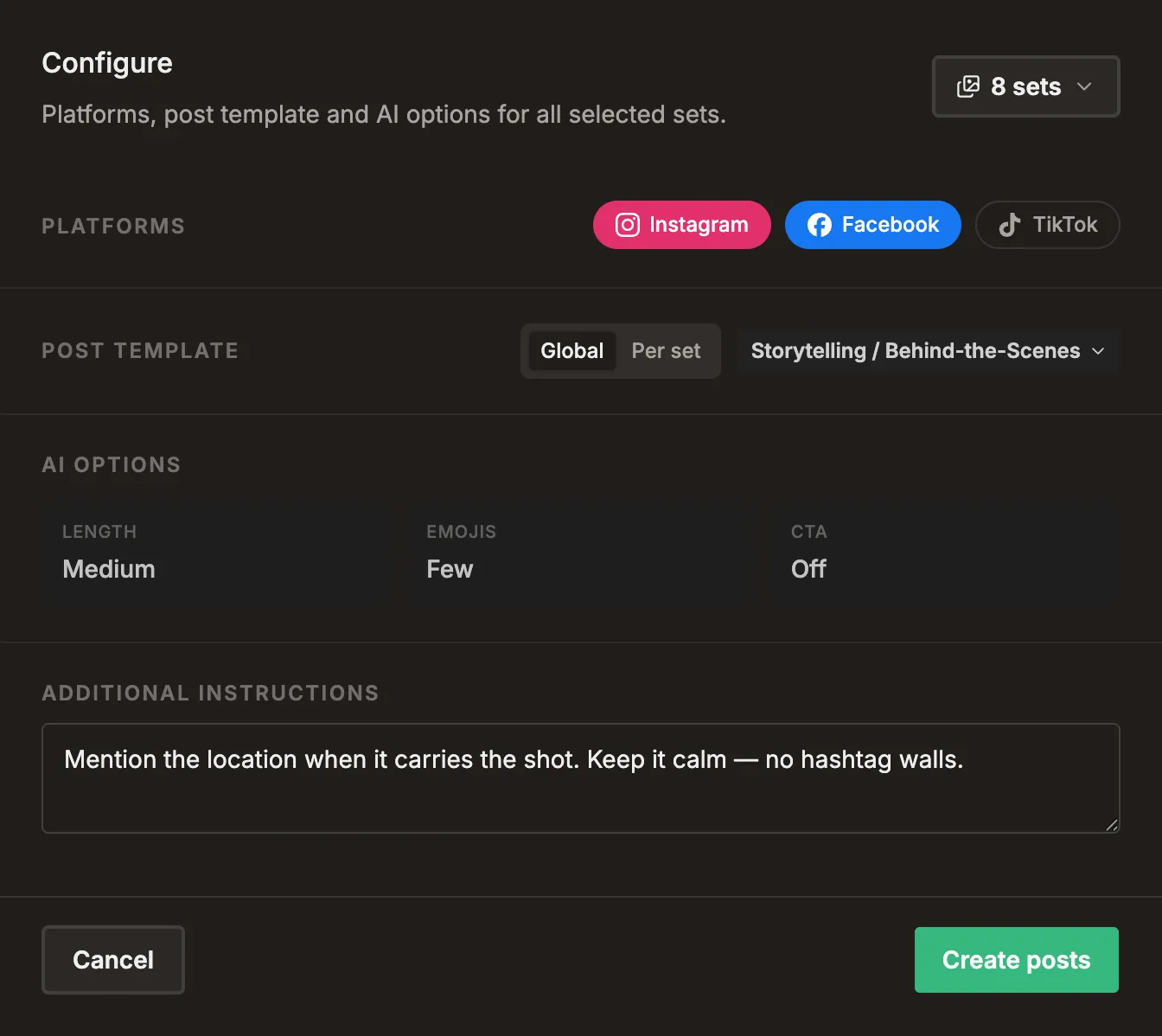
 DraftSingle frames
Form follows function, often with a bold accent — stark geometry, one frame at a time.
 DraftDetail close-ups
Geometry demands a conversation between the skyline and the structure.
 DraftWide and aerial
Some places make you slower. This is one of them, back on the Nordic coast.
 Generating
 Generating
 Generating
Platform Preview
See it before it goes live.
Every post in the layout of each connected platform, as a feed card and in the profile grid.
Batch Scheduler
One action, every draft scheduled.
Set the interval, the posts per day and the time window once. The drafts spread across the calendar from there, around what is already on it.
Calendar, list & board
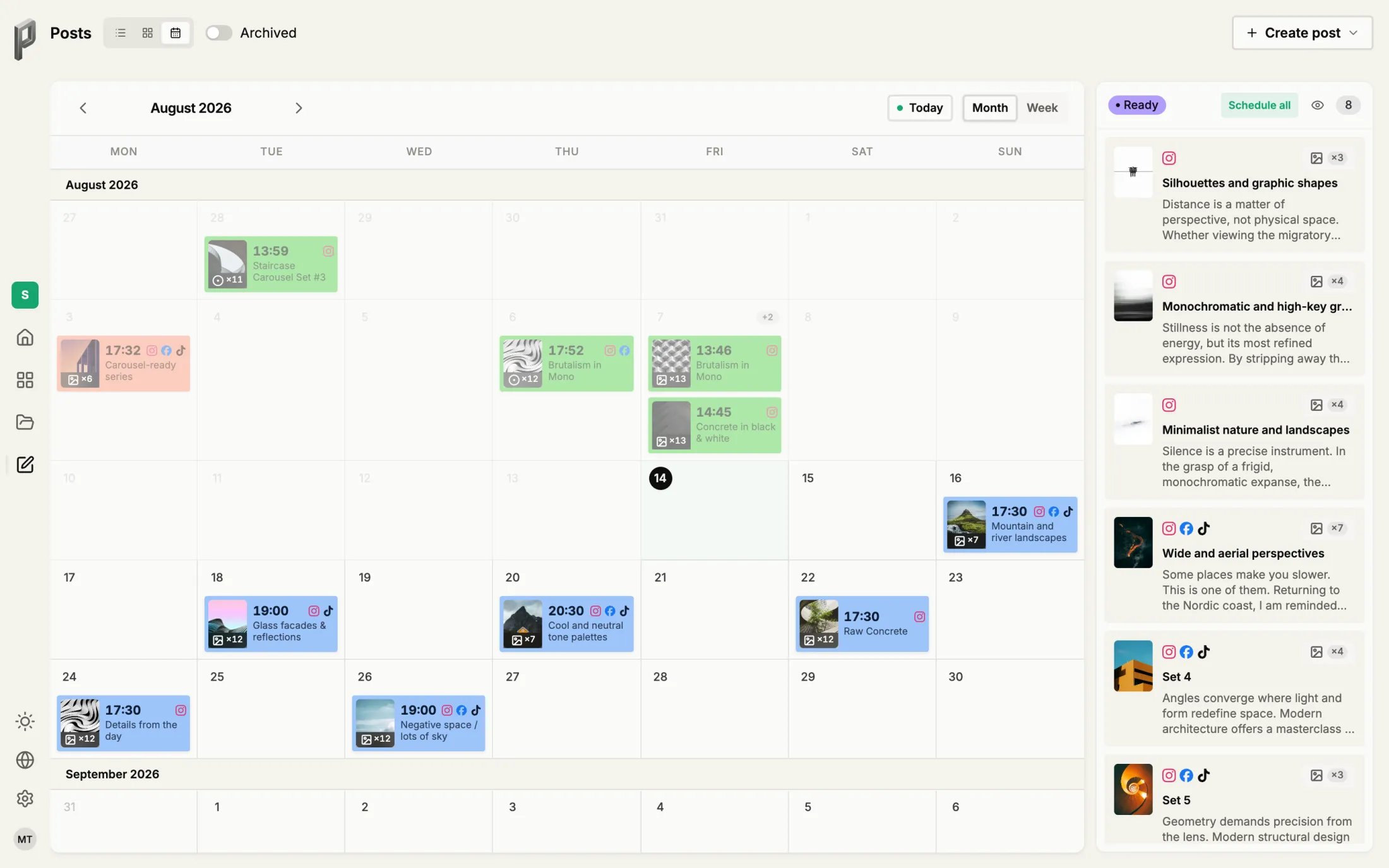
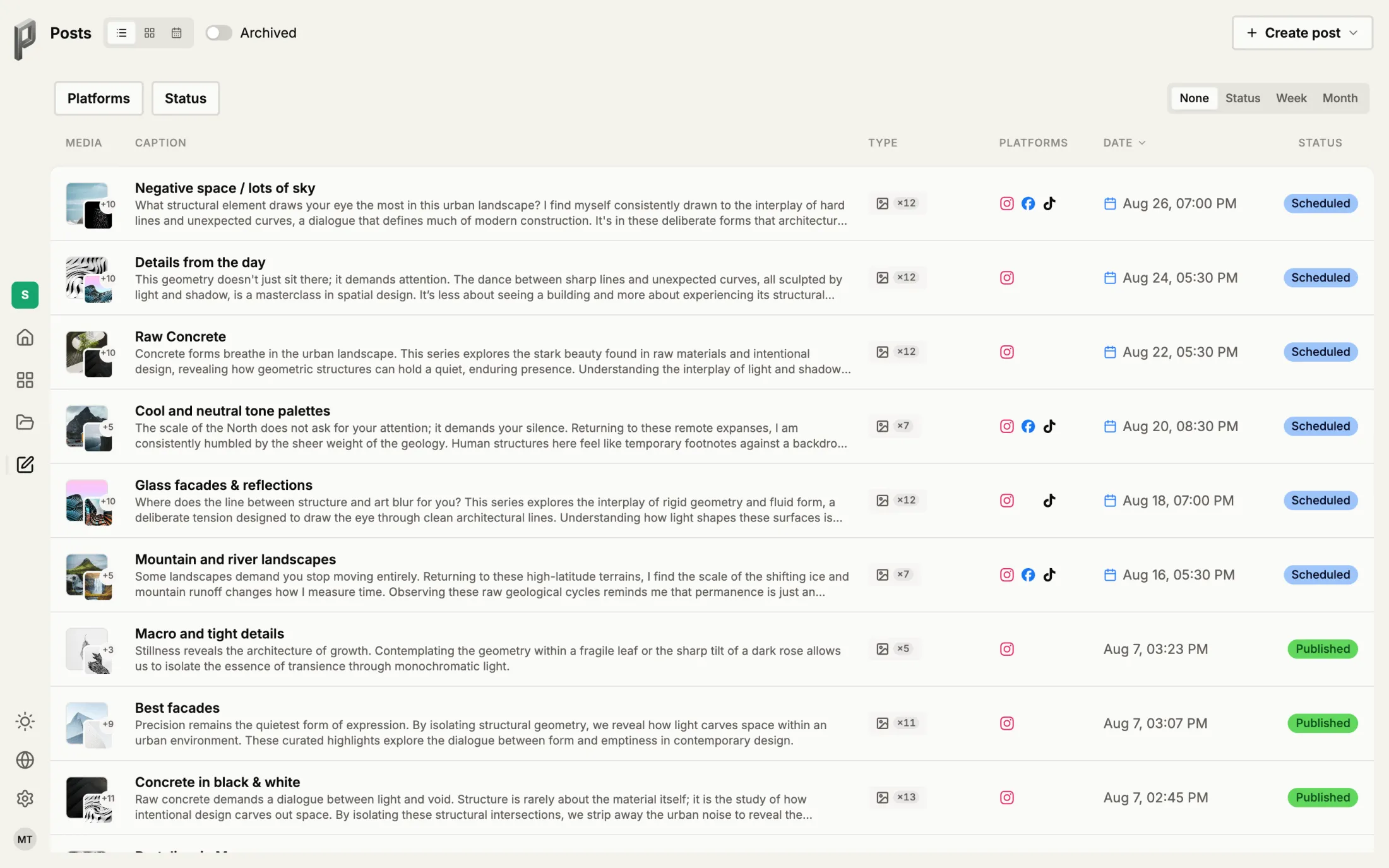
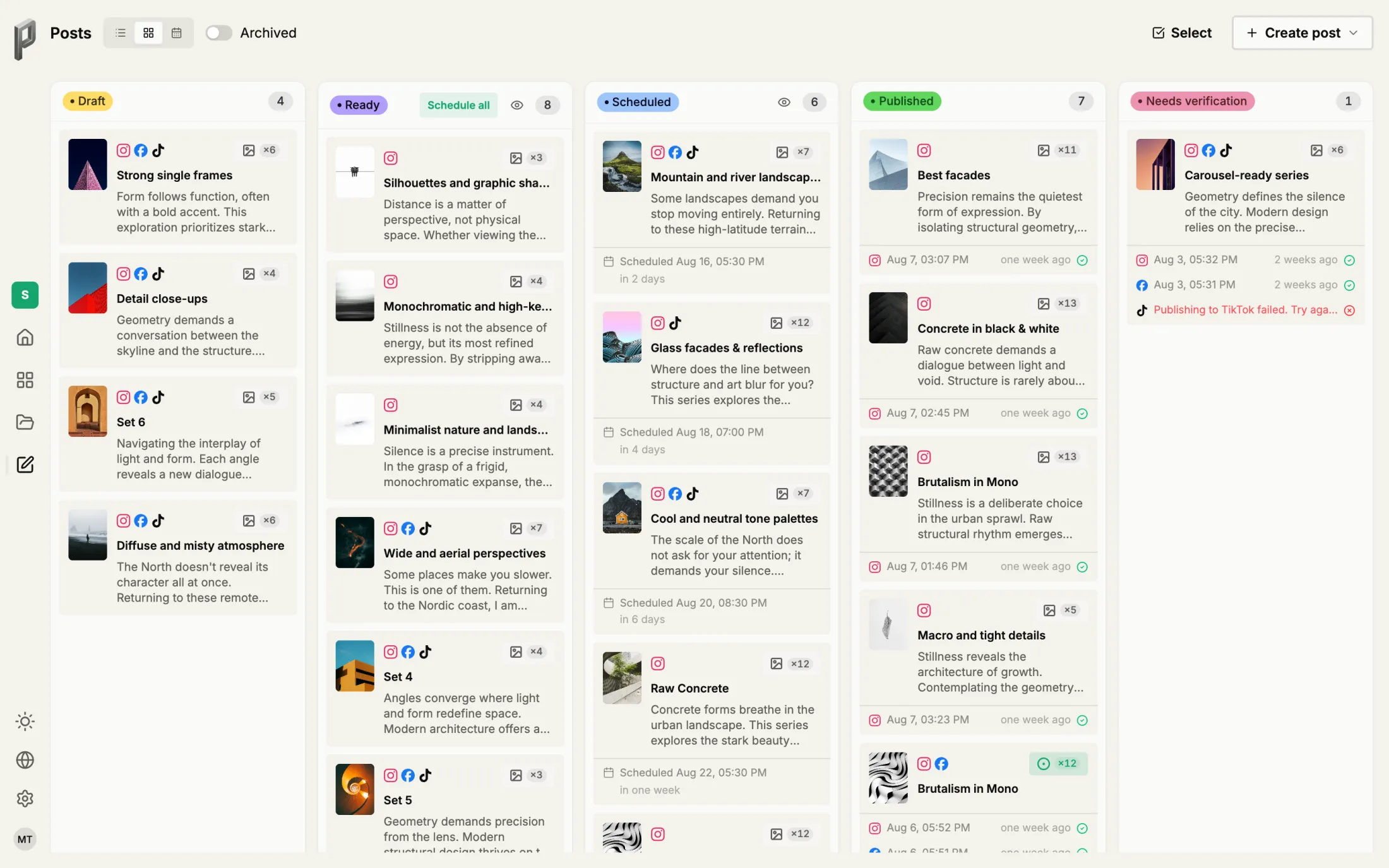
One plan, three views.
Every scheduled post in one place, sorted by date on the calendar, by status on the board, or as a full list. The overview holds when a lot is planned.
- Calendar
- List
- Board
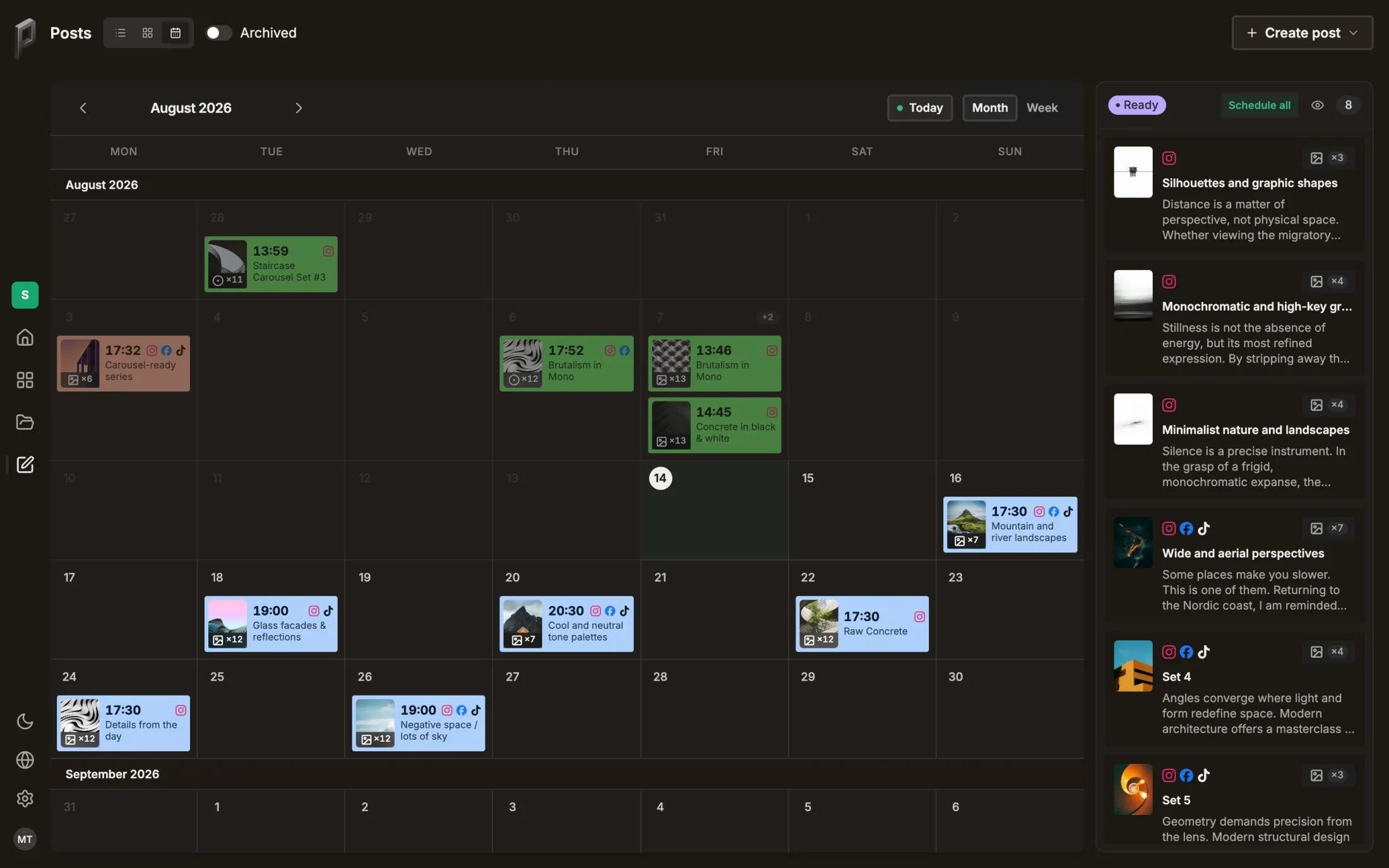
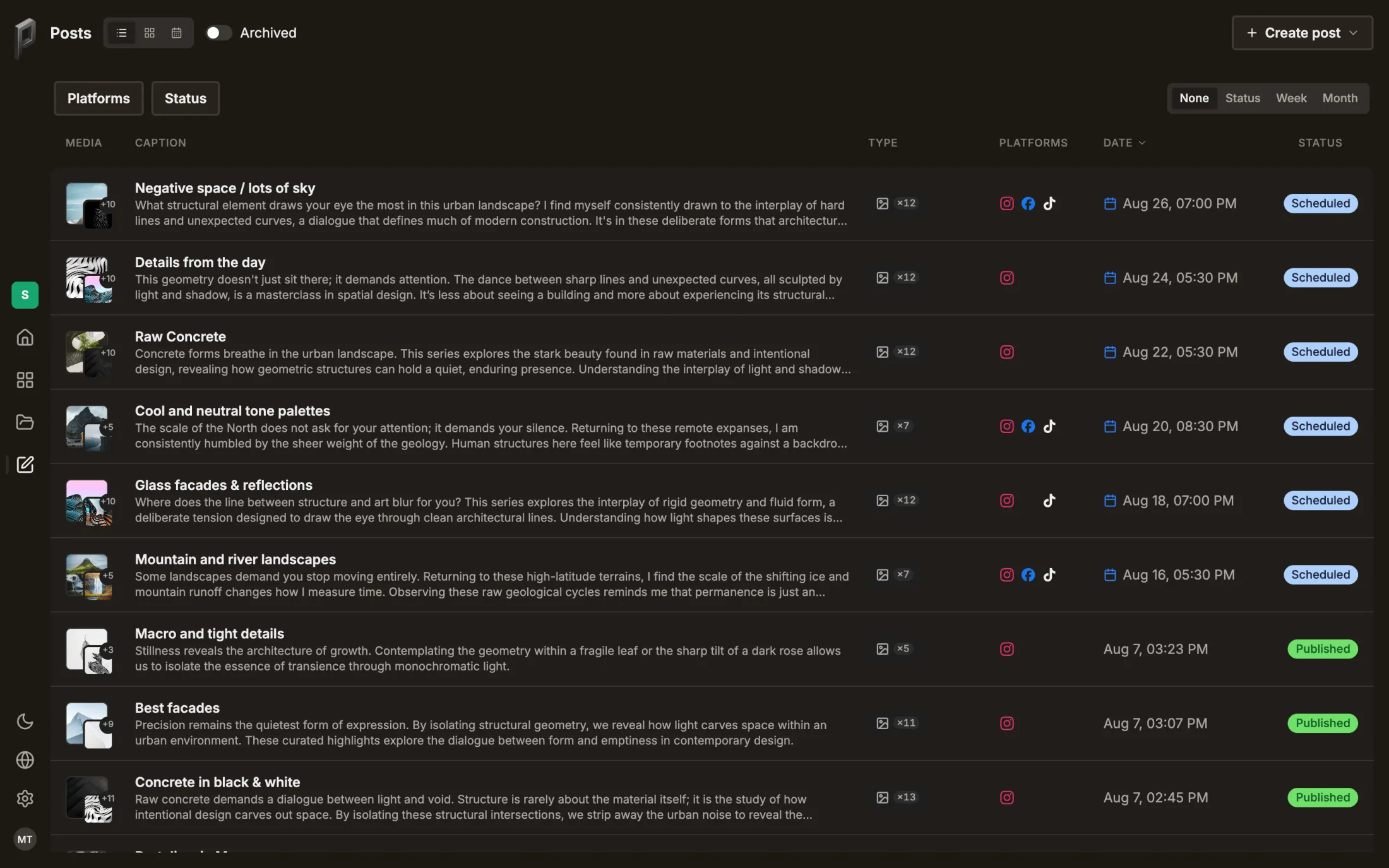
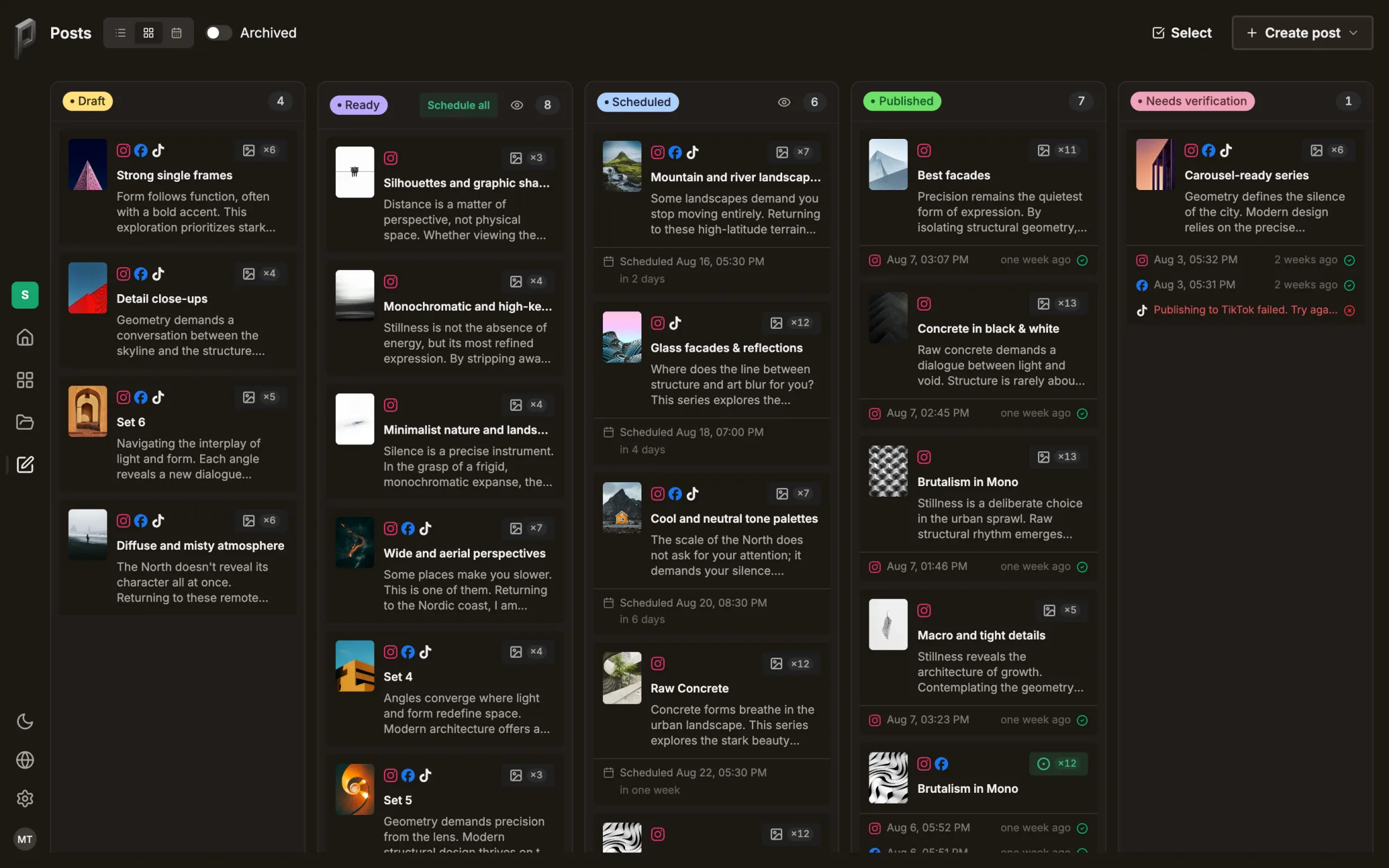


Out it goes, approved by you, post by post.
How AI can assist and help you
AI takes the busywork: sorting, drafting captions, filling the calendar. Every suggestion waits for your approval, so the creative decisions stay yours.
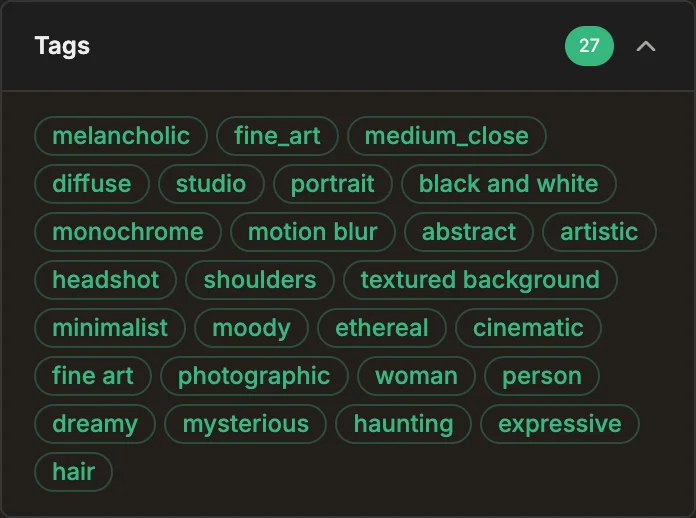
AI automatically assigns rich tags and descriptions to every shot — mood, subject, style and more, instantly searchable with zero manual tagging.
AutomaticMood & subjectInstantly searchable
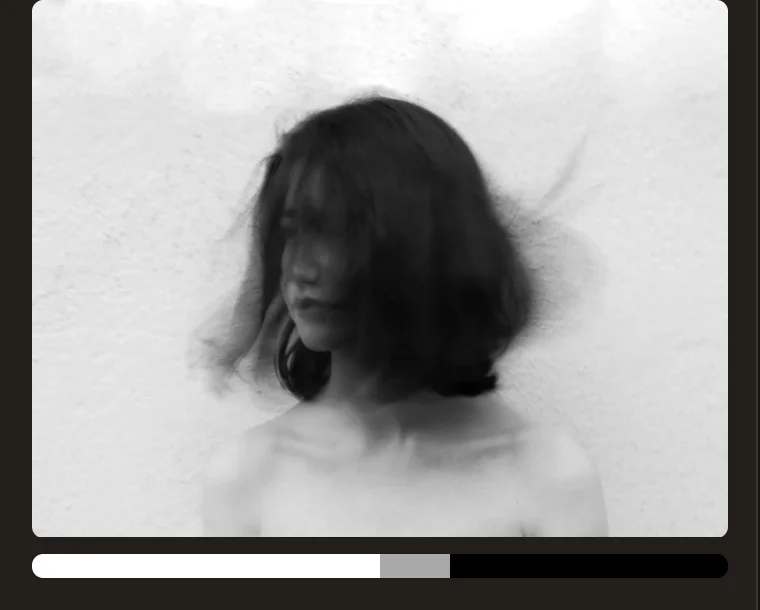
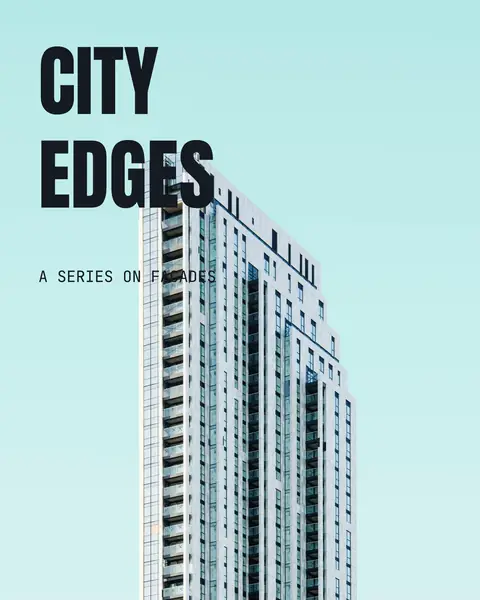
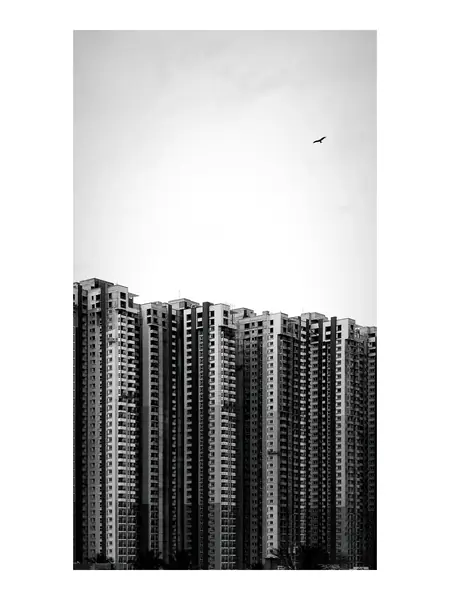
Straight out of the framing editor
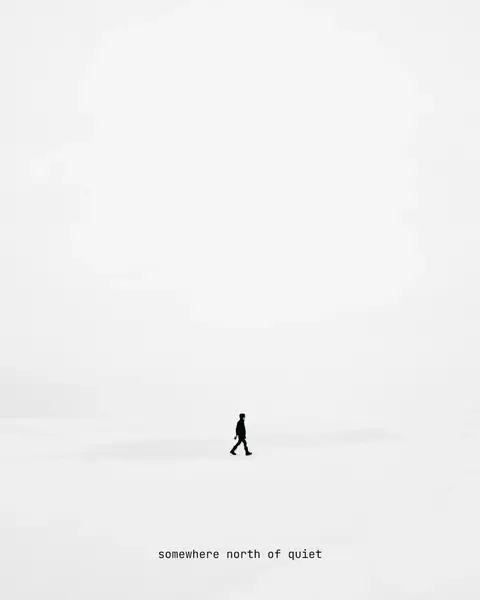
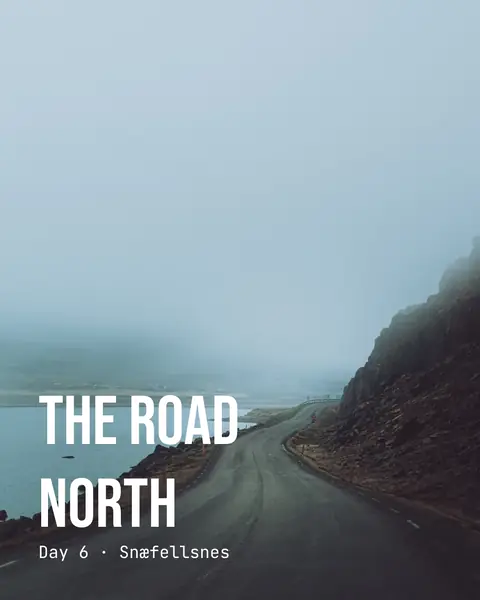
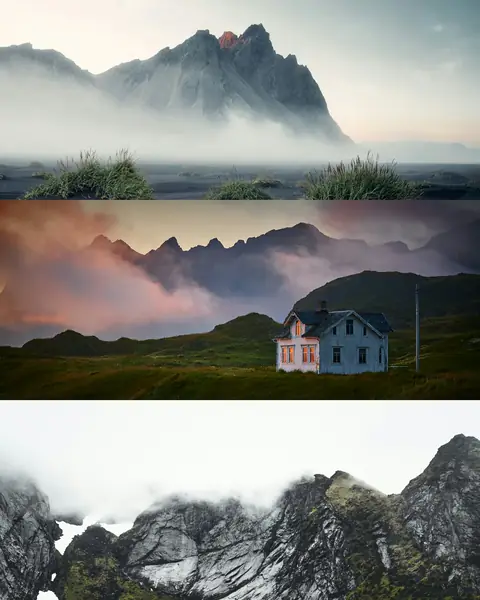
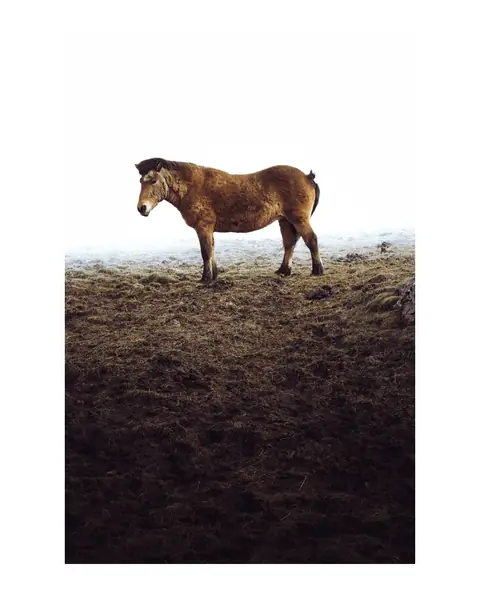
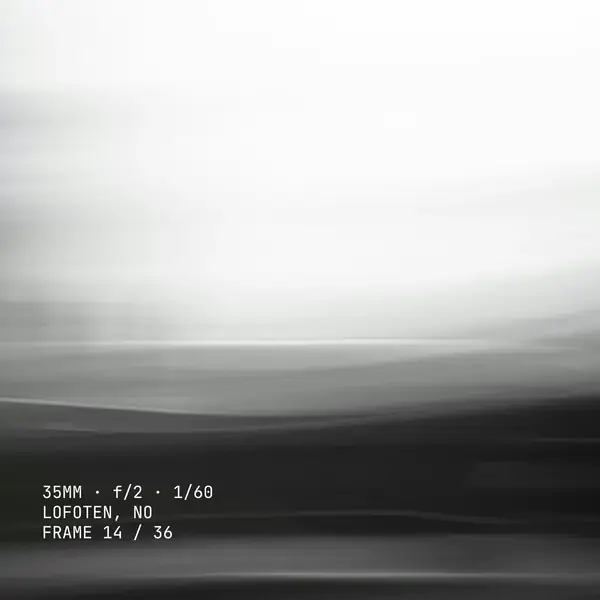
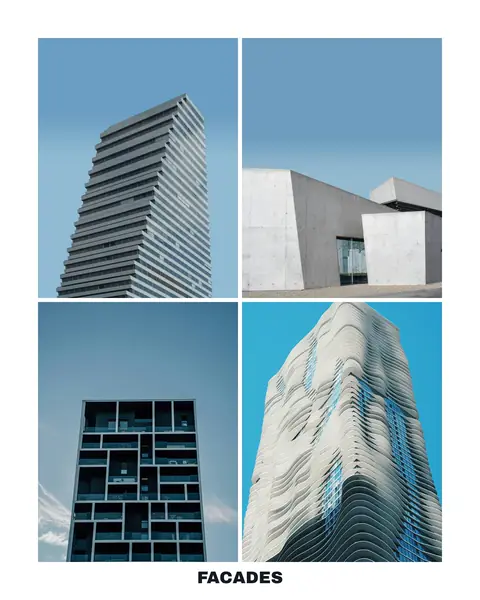
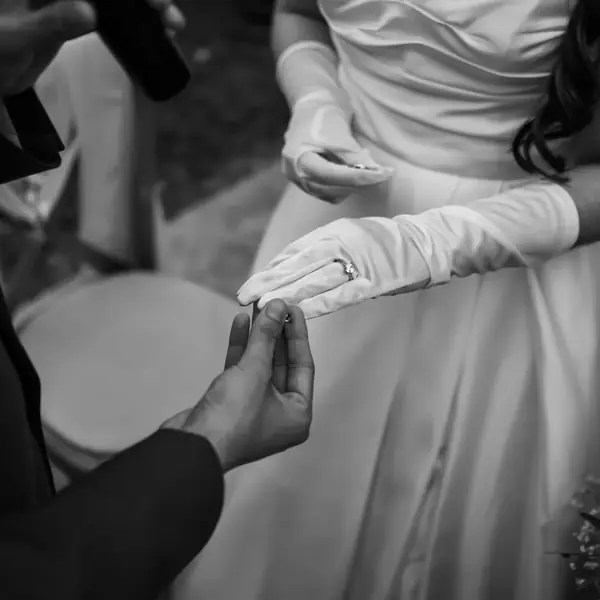
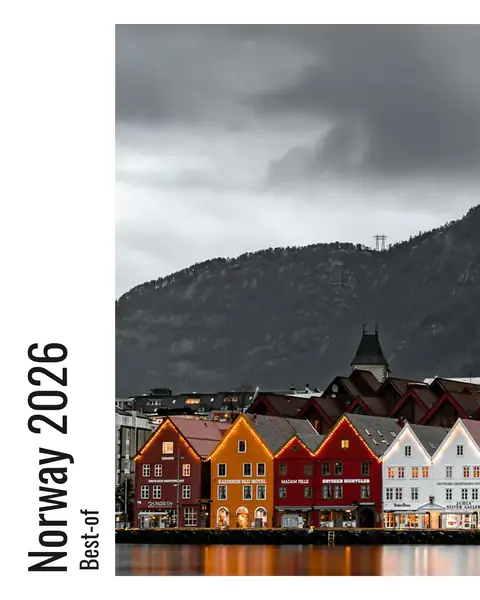
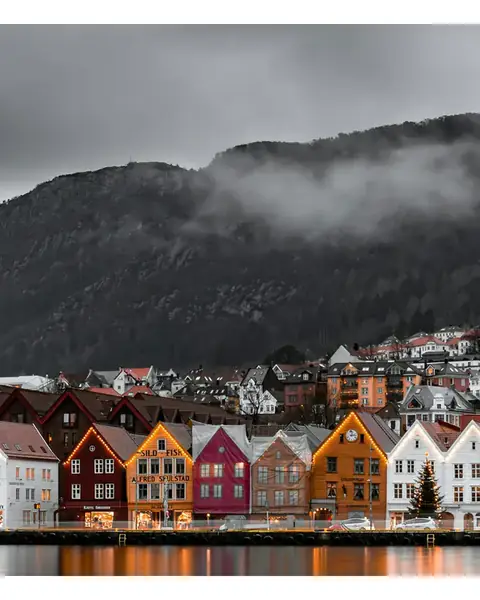
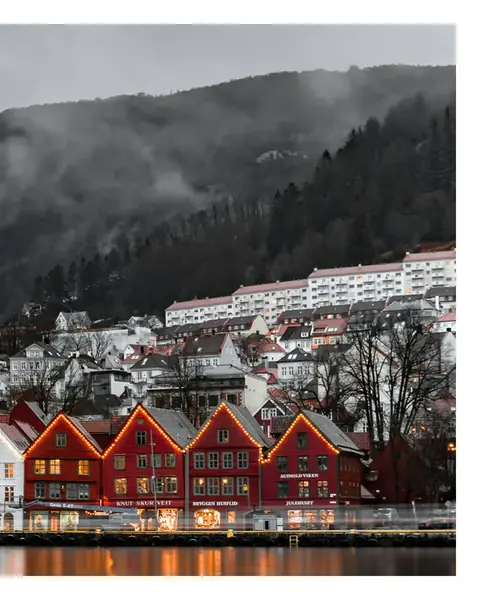
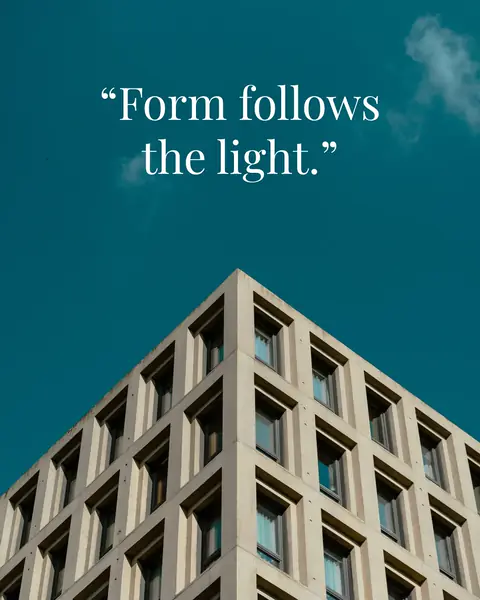
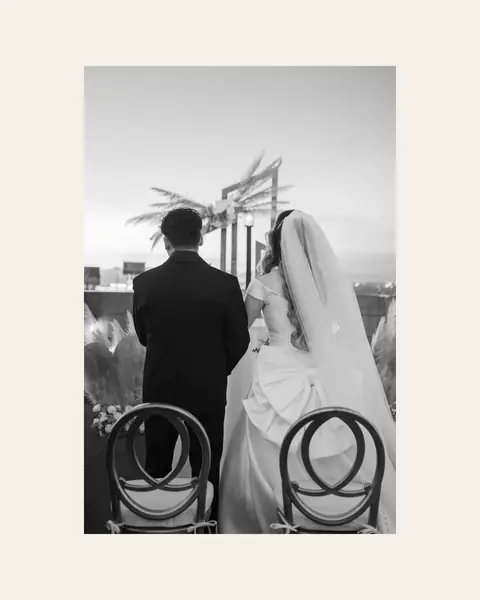
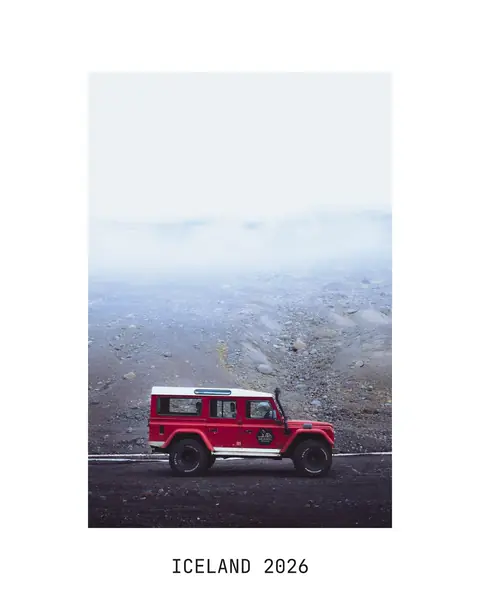
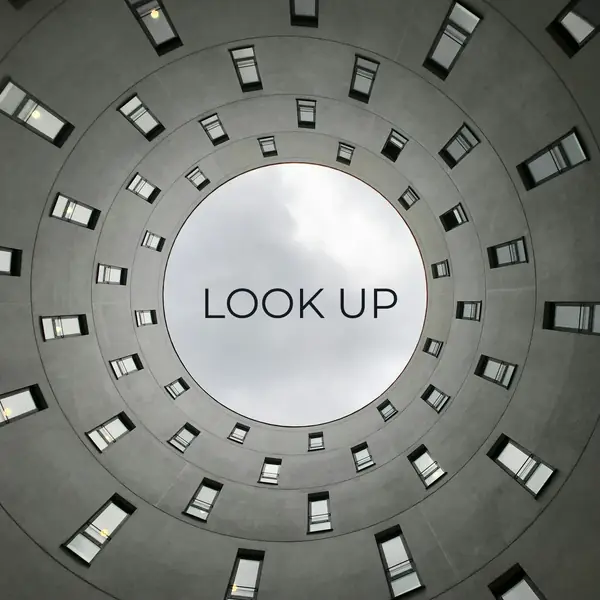
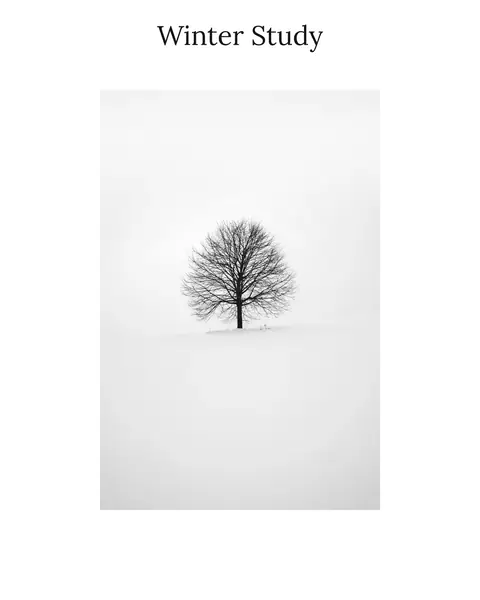
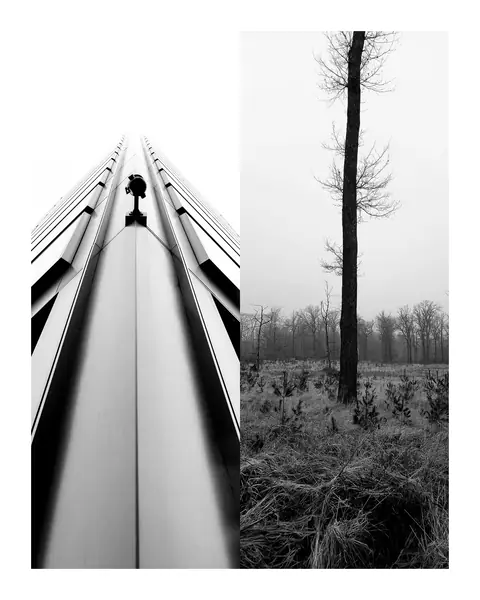
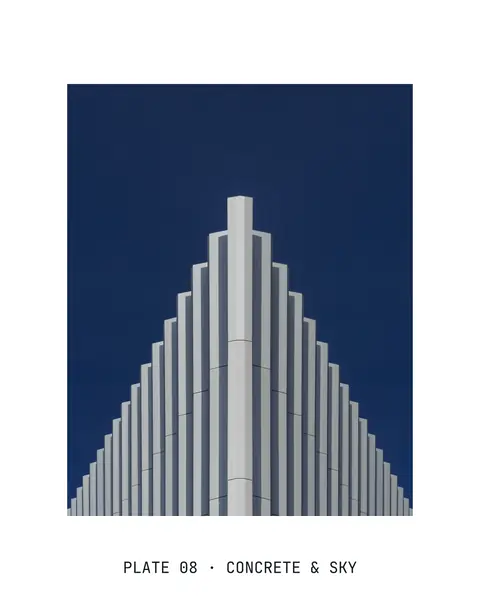
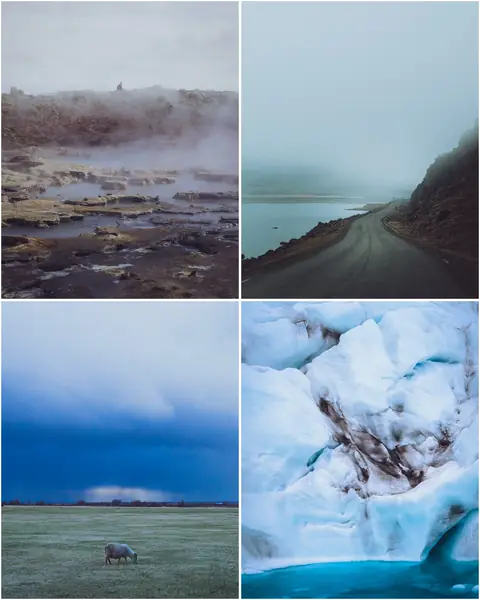
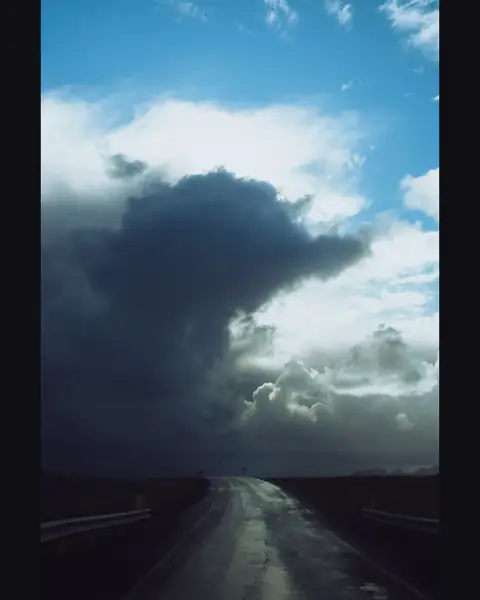
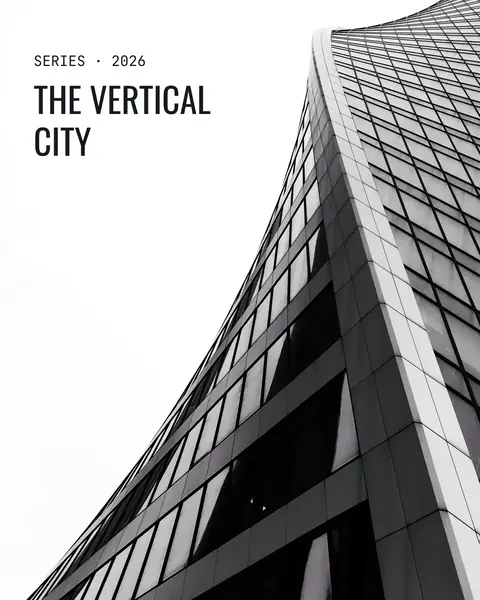
Cropped to a platform’s format. Posted whole on a border you pick. Titled, split across a carousel, or set beside its neighbours in one slide. Every tile is a real render, made with a couple of settings.













What is published.social?
published.social is an AI-assisted content workflow for photographers and visual creatives. It starts with the edited selects of a shoot, proposes which frames belong together, turns those sets into a draft post per channel, and publishes only after your approval. It is built for people whose work piles up faster than they can post it, and who want that part taken off their plate.
How is this different from a scheduler?
A scheduler works on one post at a time. The picture is already picked and the caption already written; the scheduler answers when that post goes out.
published.social starts earlier, with the edited photos or illustrations. Before the calendar comes into play, it does three things:
- It proposes which frames belong together.
- It writes a draft post per channel from those sets.
- It suggests the crops each platform needs.
Scheduling is included, but it is only the final step.
Do I have to change how I edit?
No. Culling and developing stay where you already do them: Lightroom, Capture One, whatever you work in. published.social picks up at the finished export.
There are two ways to get the files across:
- Send selects straight over with the Lightroom or Eagle plugin.
- Drop the files into the browser.
Nothing needs installing to start.
A second pick for social is optional, and can happen here. Bring more than you will post: published.social proposes which frames belong together, and you keep or drop them before anything becomes a draft post.
Which platforms can I publish to, and in which formats?
Instagram, Facebook, Threads, Pinterest, Bluesky and TikTok. Which formats a channel takes differs:
- Single frames and carousels go to all six. The maximum number of frames differs per channel, and the editor shows the limit while you build.
- Story series are Instagram and Facebook only.
- Text-only posts work on Facebook, Threads and Bluesky.
Every channel gets a preview that renders the post the way that platform will. You connect an account through the platform’s own login, so published.social never sees your password. X, LinkedIn and Mastodon are not connectable today.
Can I post videos?
Yes. Where a video ends up depends on the channel:
- On Instagram it goes out as a Reel.
- On TikTok it goes out as a TikTok post.
- On Threads, Facebook and Bluesky it goes out as a video post.
- On Instagram and Threads a video can also sit in a carousel next to photos.
A video goes out exactly as you exported it. Cropping, layouts and title cards are for photos, so nothing is re-encoded. If a file exceeds a platform’s limits, published.social says so before you schedule it.
How much does the AI decide?
The AI proposes, you decide. It groups a shoot into sets, writes a caption per channel from your own photographs, suggests crops and spreads the drafts across a posting cadence you pick.
Nothing goes live on its own. Every draft lands in a review queue where you edit, swap or delete, and a post is published only after you approve it.
Do I still have to publish from my phone?
Not for the channels that allow direct publishing. This is how a post goes out:
- You approve the draft and pick a slot in the calendar.
- At that time, published.social sends it through the platform’s official API.
- If the platform refuses the post, the reason comes back and the post stays editable.
TikTok is the exception. Without TikTok’s direct-post permission on the account, the post is delivered to the creator’s TikTok inbox and you finish it there.
What happens to my photos, do you train AI on them?
No. Three things hold, and they are separate:
- Analysis and caption generation run on Google Vertex AI under Google Cloud’s enterprise terms, and under those terms Google does not use what published.social sends to train its models.
- Uploaded media sits in object storage restricted to the EU, and the AI calls run in EU regions.
- Your export stays untouched. Every crop is a copy.
Which processors are involved, where they run and who can access what is set out in the privacy policy.
Can I use it today?
published.social is in private beta. Join the waitlist and you get an email the moment your access is ready. Joining is free and commits you to nothing.
What will it cost?
Pricing is not final yet. There will be a small number of flat monthly plans, with no per-post billing and no AI credits to top up. We will publish the prices before you have to decide anything.