Change a person’s role and brands
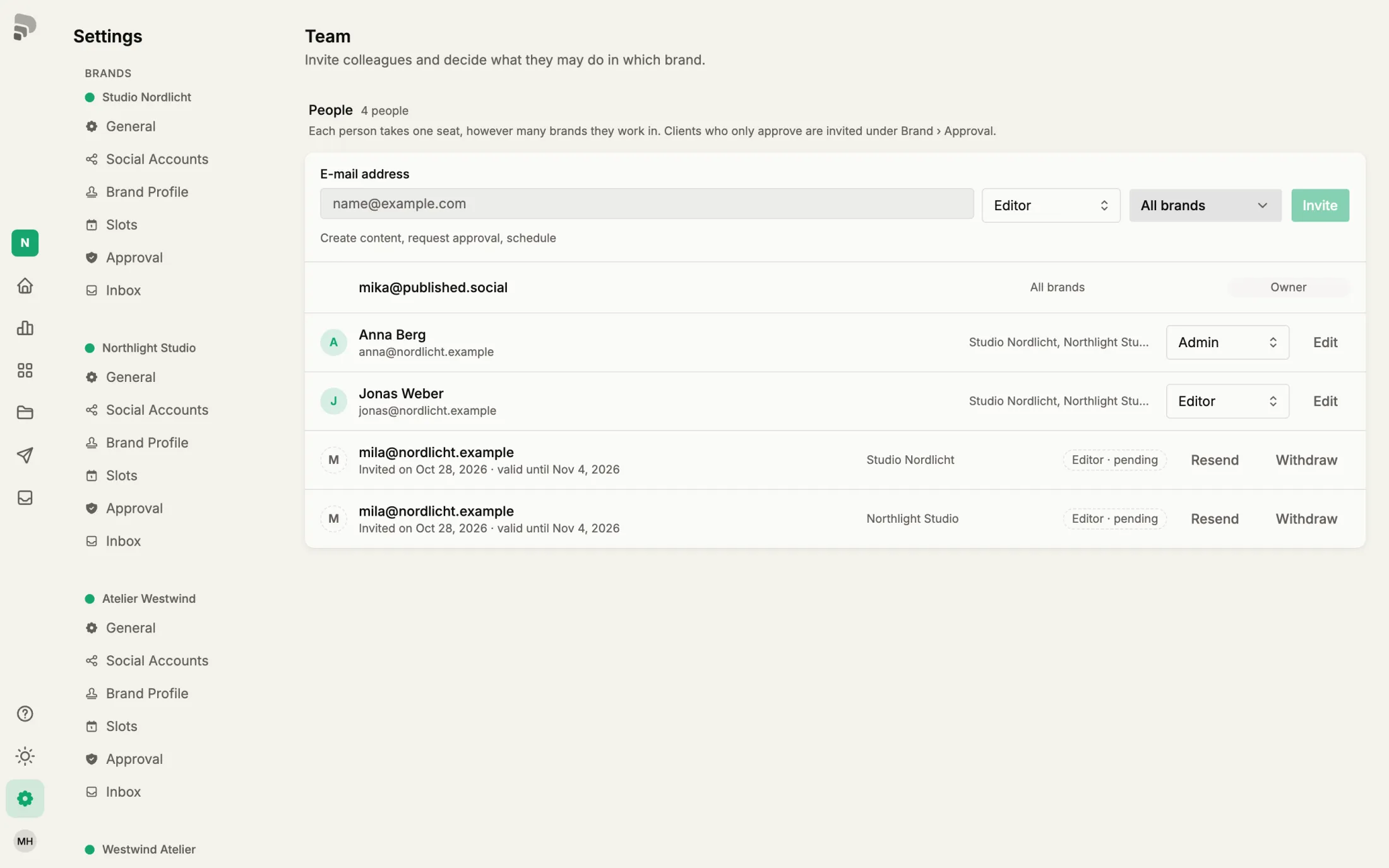
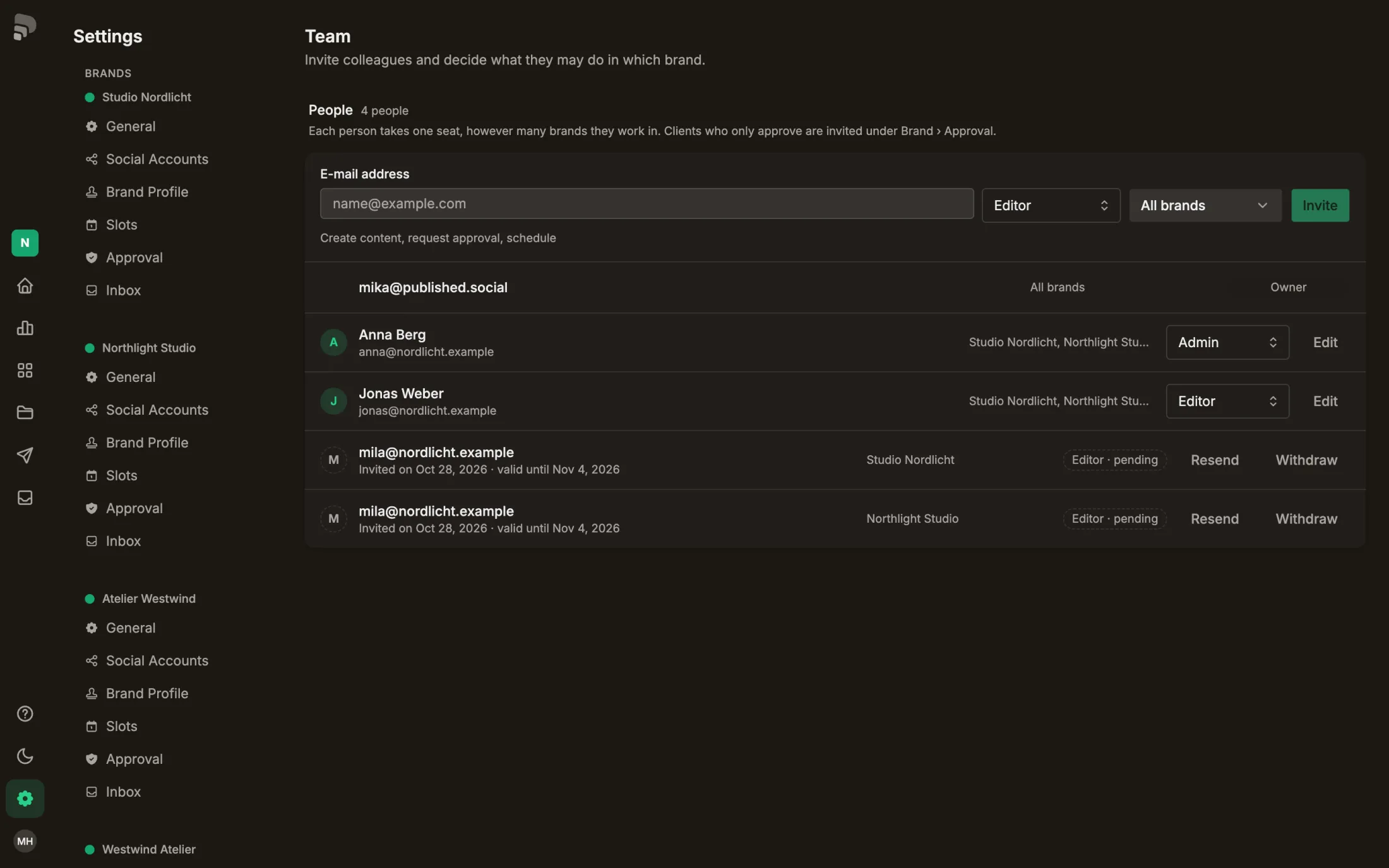
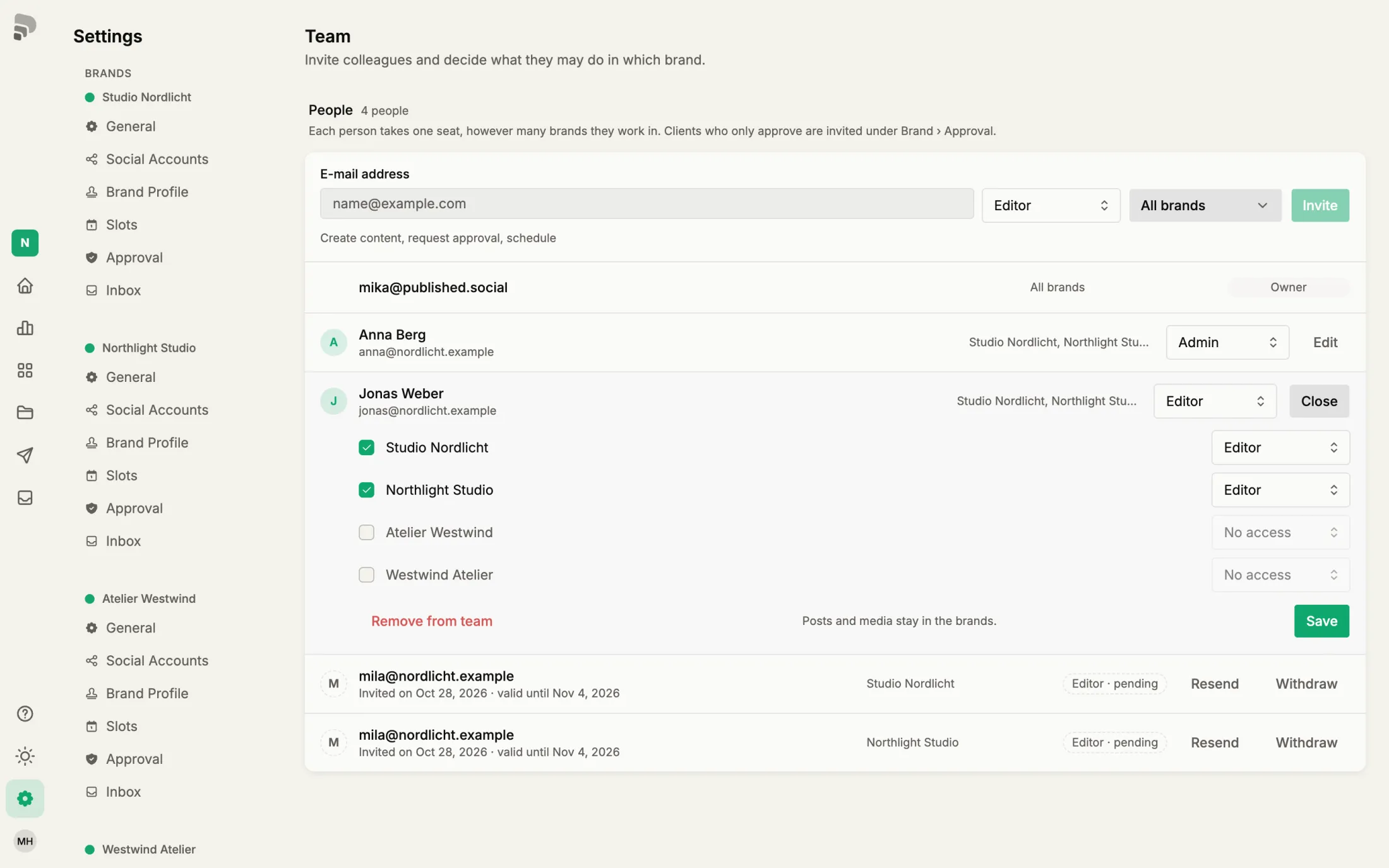
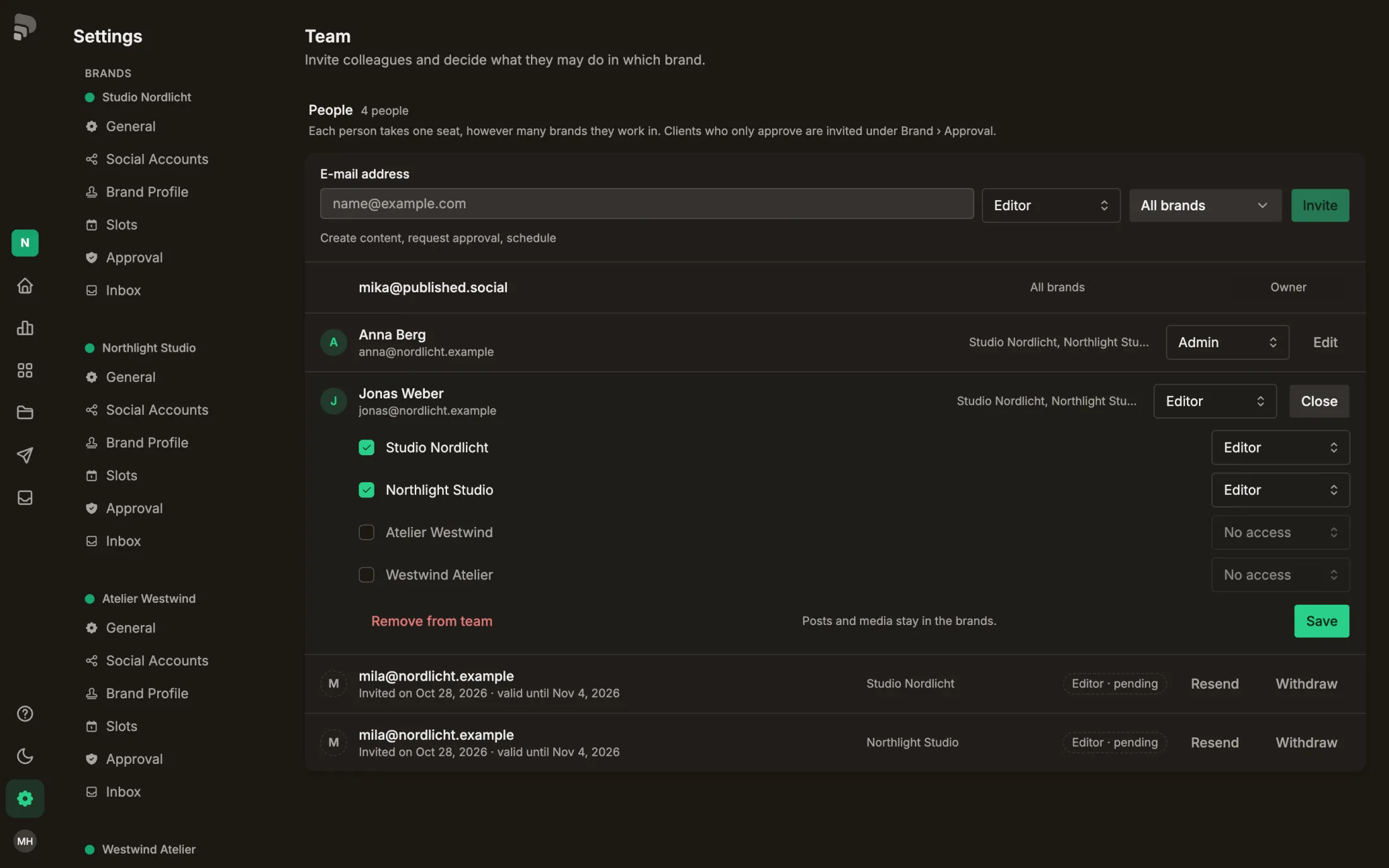
A person can have a different role in each brand. Here is how to change it or add brands.
Step by step
- 1
- 2
Per brand
Click “Edit” to set the role brand by brand.
- 3
Was this helpful?
A person can have a different role in each brand. Here is how to change it or add brands.
Click “Edit” to set the role brand by brand.