Renew an expired connection
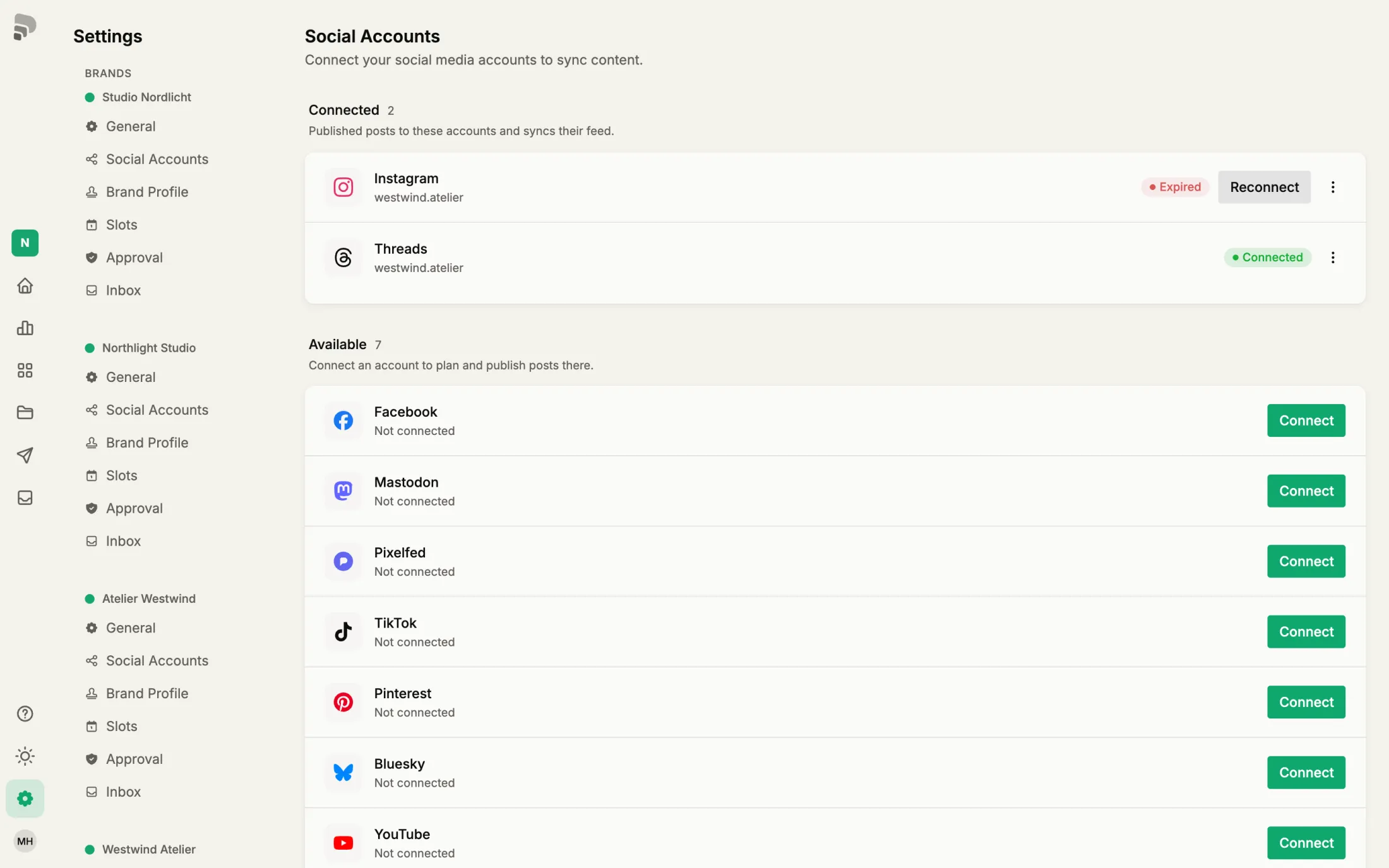
Platforms let connections expire now and then. Reconnecting fixes it, your posts and statistics stay.
Step by step
- 1
Spot it
An expired channel shows “Expired” or “Error”. Until you reconnect, nothing is posted there.
Background: Platforms end access after some time or when you change your password. That is normal and no reason to worry.
- 2
- 3
Back in Published the channel is “Connected” again. Scheduled posts go out as planned.
Was this helpful?