Connect a channel
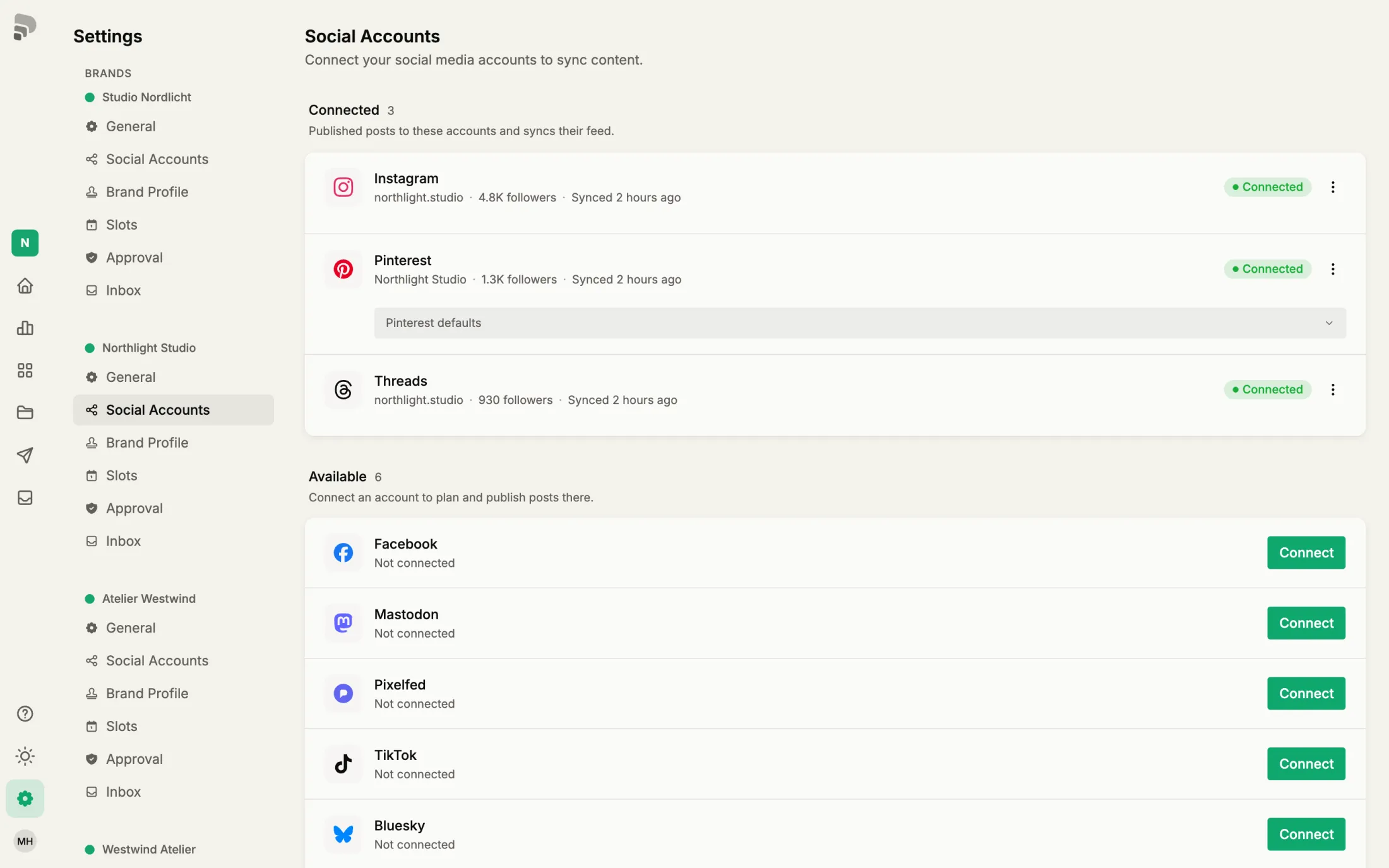
Connect an account once, then Published can post to it and read its statistics.
Step by step
- 1
- 2
Sign in at the platform
The platform opens. Sign in with the account you want to post to and allow access. Then you come back to Published.
- 3
Not working?
All problems →“This account is already connected to another brand”
An account belongs to one brand. Disconnect it there first.
An account belongs to one brand →Was this helpful?