Posting and planning
Where your posts live, how they move from draft to published, and how you plan them in time.
| You want to | Go here |
|---|---|
| Schedule a post | Schedule a post |
| Understand what a status means | Understand a post’s status |
| “Schedule” is greyed out | “Schedule” is greyed out |
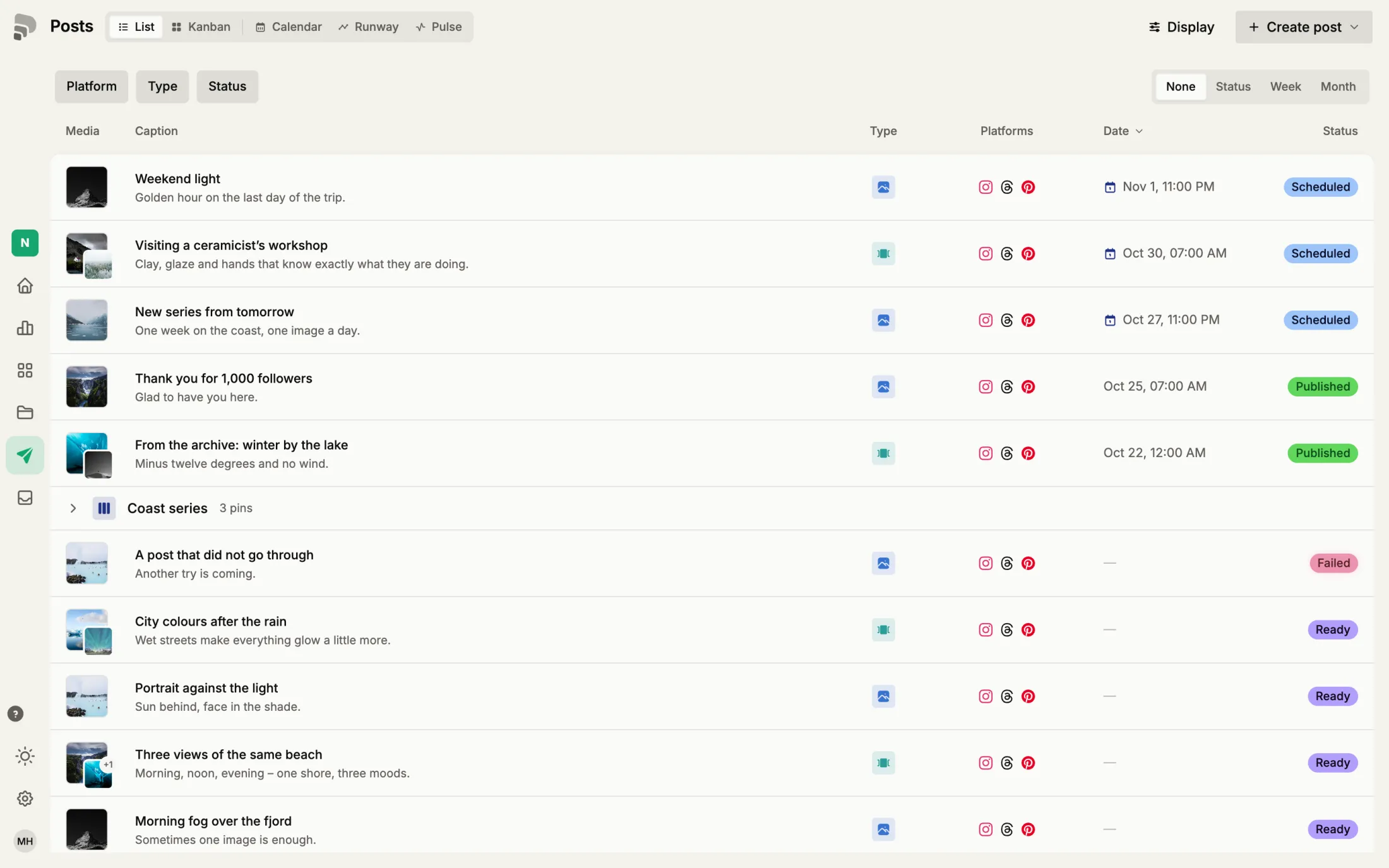
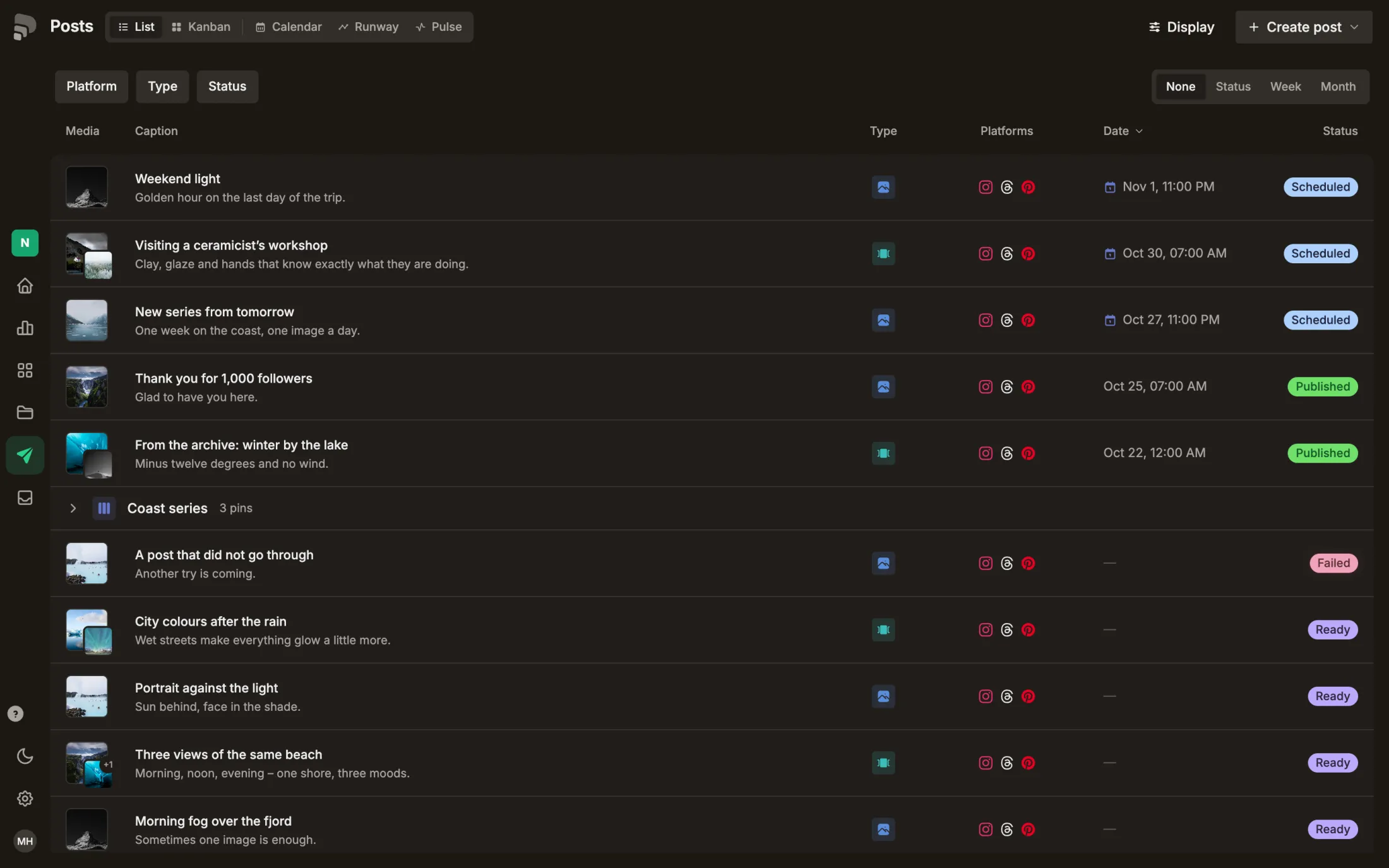
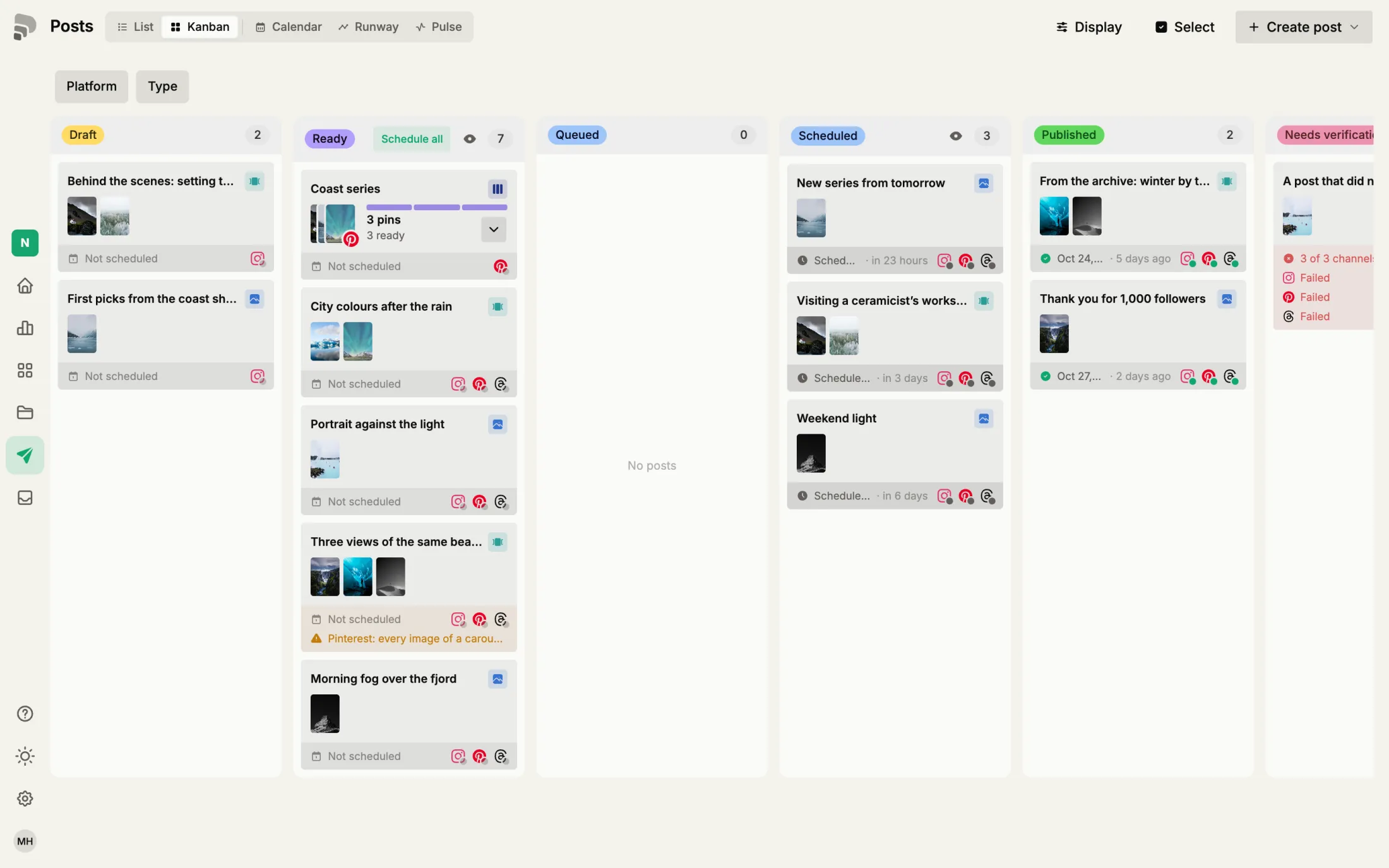
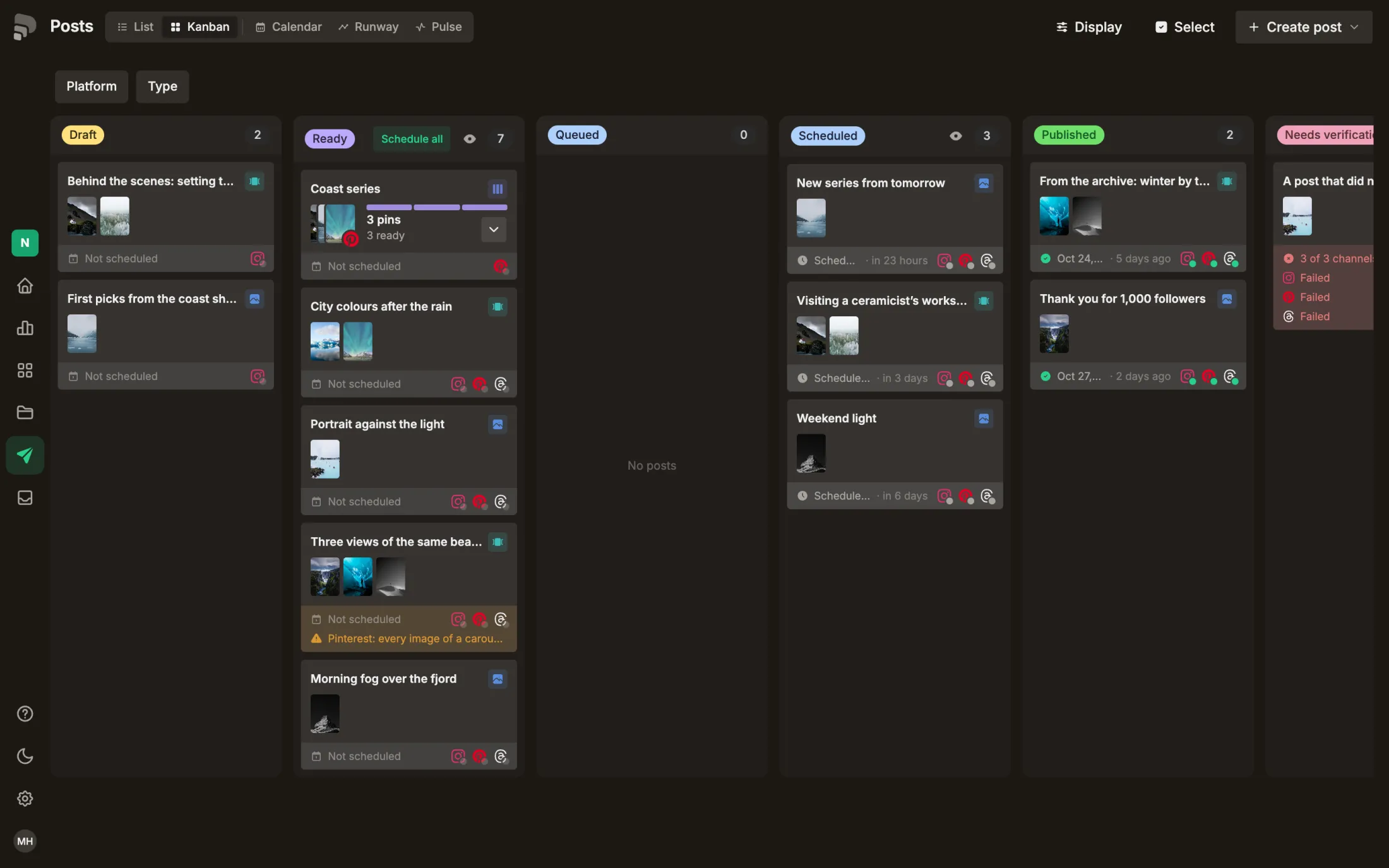
Page overview· 5 viewsThe posting pageAll your posts in one place: as a list, as a board by status, or in time in the calendar. Here is what each part of the page does.
Video · 4 steps· 2 prerequisitesSchedule a post
DraftReadyScheduledPublished
ExplanationUnderstand a post’s status
Fri, Nov 1Schedule
Problem“Schedule” is greyed out
8 terms in this area
DraftDraftA post you are still working on. Drafts never go out on their own.In the glossary →ReadyReadyText, media and channels are complete. A ready post can be scheduled.In the glossary →ScheduledScheduledThe post has a date and time and goes out by itself at that moment.In the glossary →PublishedPublishedThe post is live on every channel it was meant for.In the glossary →ArchivedArchivedPut away, but not deleted. Archived posts are hidden unless you show them under “Display”.In the glossary →SeriesSeriesSeveral posts that belong together, such as a set of pins. On the board they lie on one stack.In the glossary →+2