Invite someone to your team
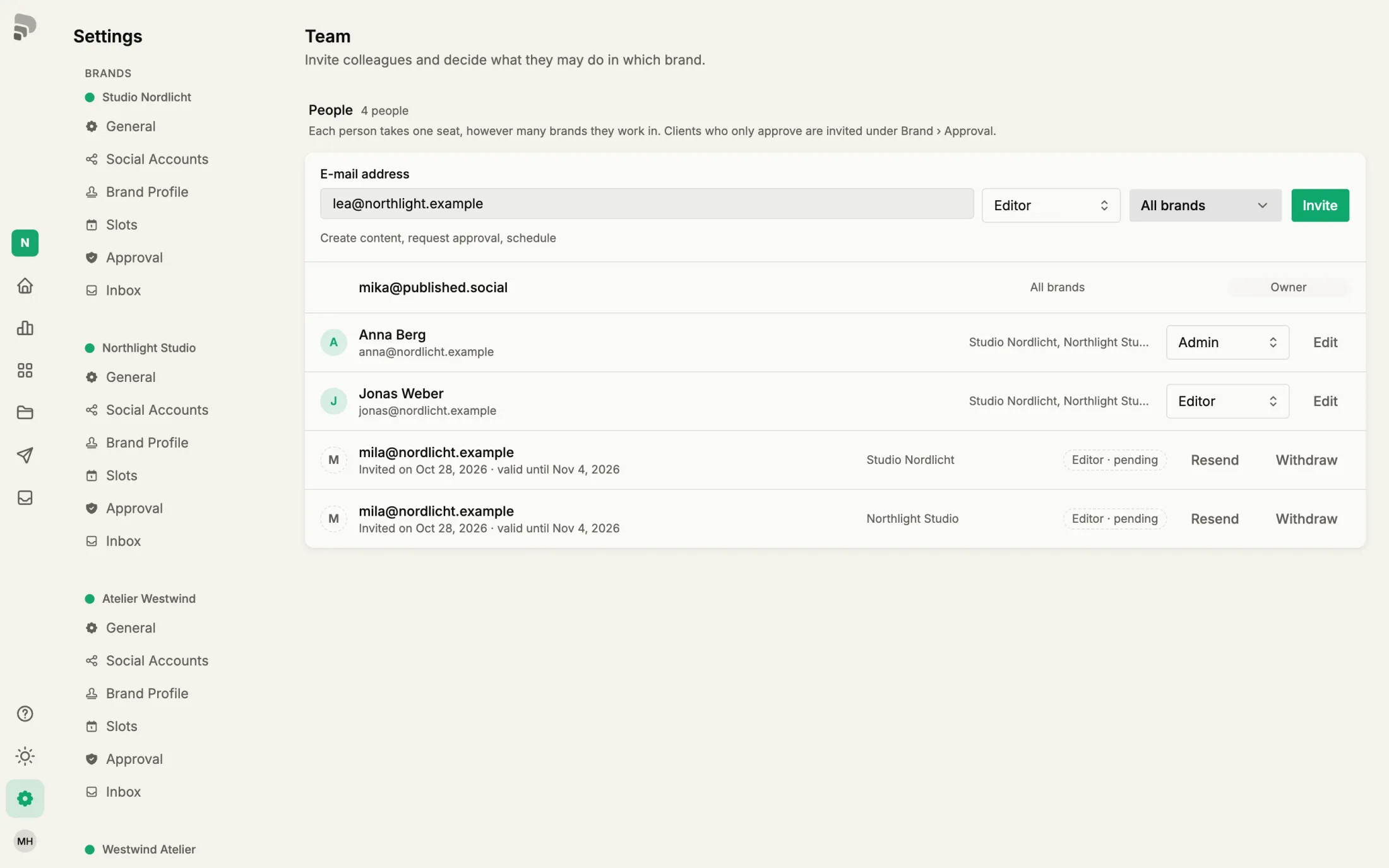
Invite colleagues and decide in which brands they work and what they may do there.
Before you start
- A plan with more than one seat
Step by step
- 1
- 2
- 3
- 4
Brands
Choose the brands the person works in.
- 5
Send
Click “Invite”. The person gets an e-mail with a link and joins as soon as they sign in with this address.

Good to know
Do clients who only approve posts need a seat?
No. Invite them as reviewers under the brand’s approval settings.
Was this helpful?