Create a brand
A brand (in the app: “Brand”) bundles channels, media and posts of one presence, for example your studio or a client. Here is how to create one.
Before you start
- An active plan with room for another brand
Step by step
- 1
- 2
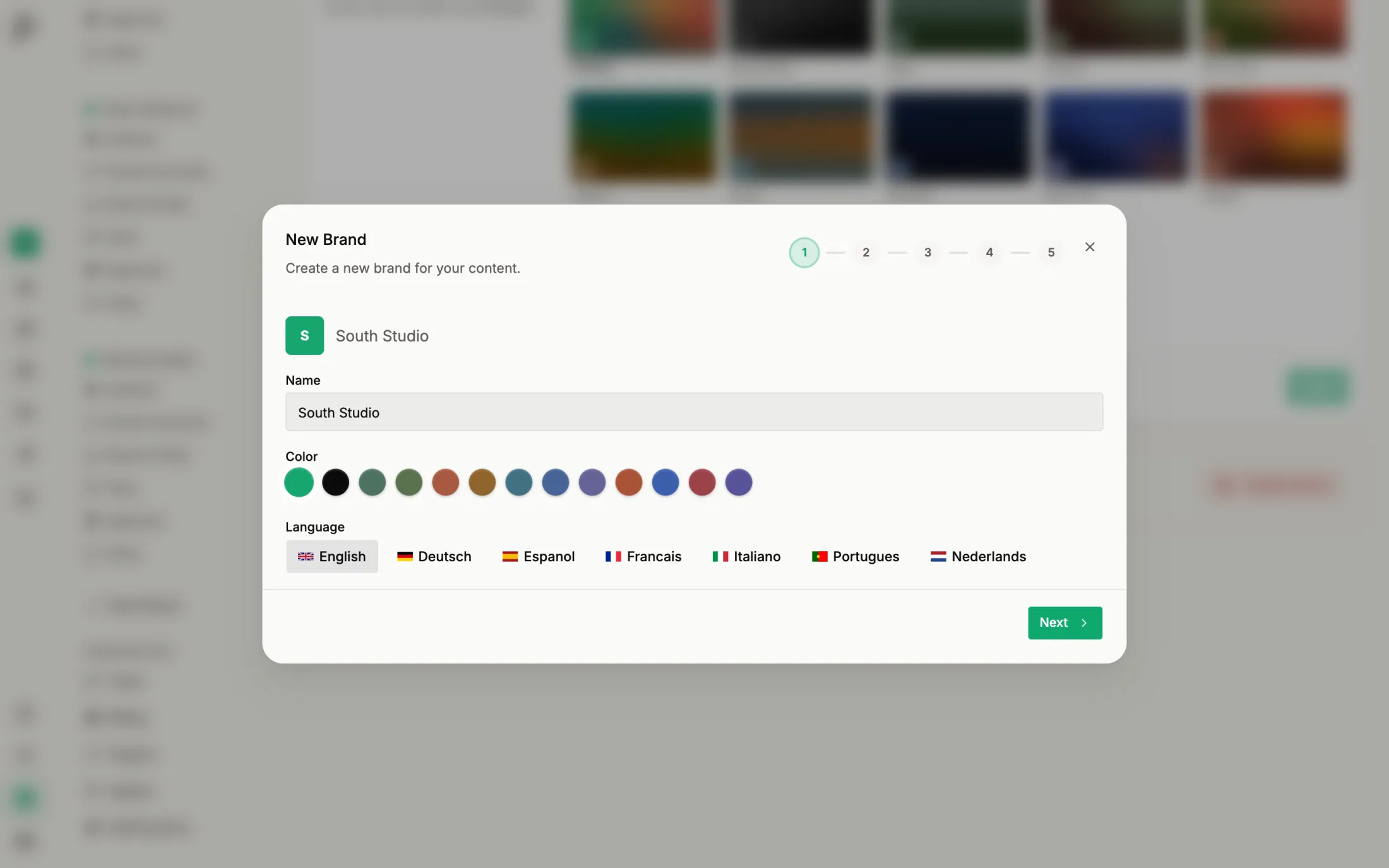
Name it
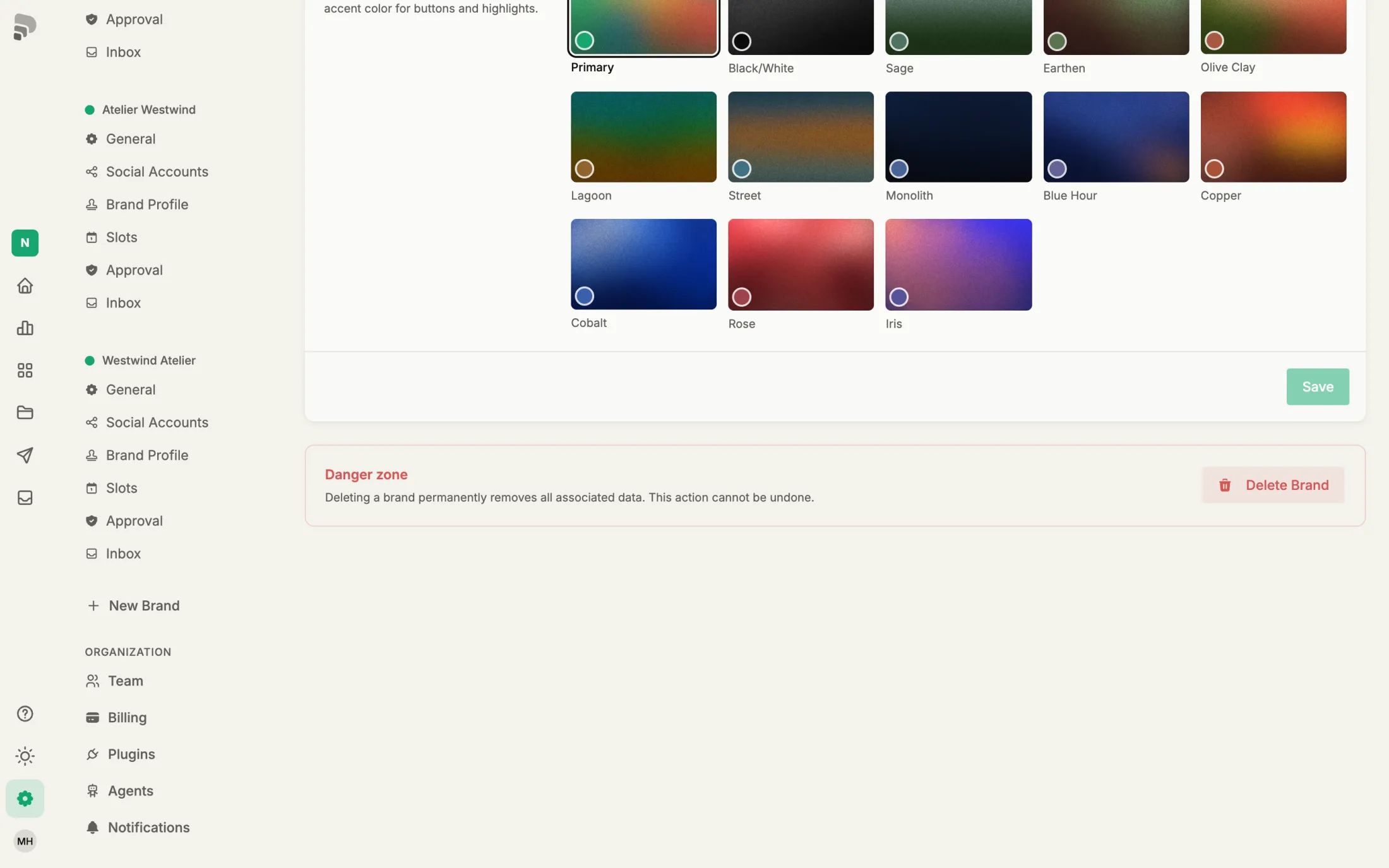
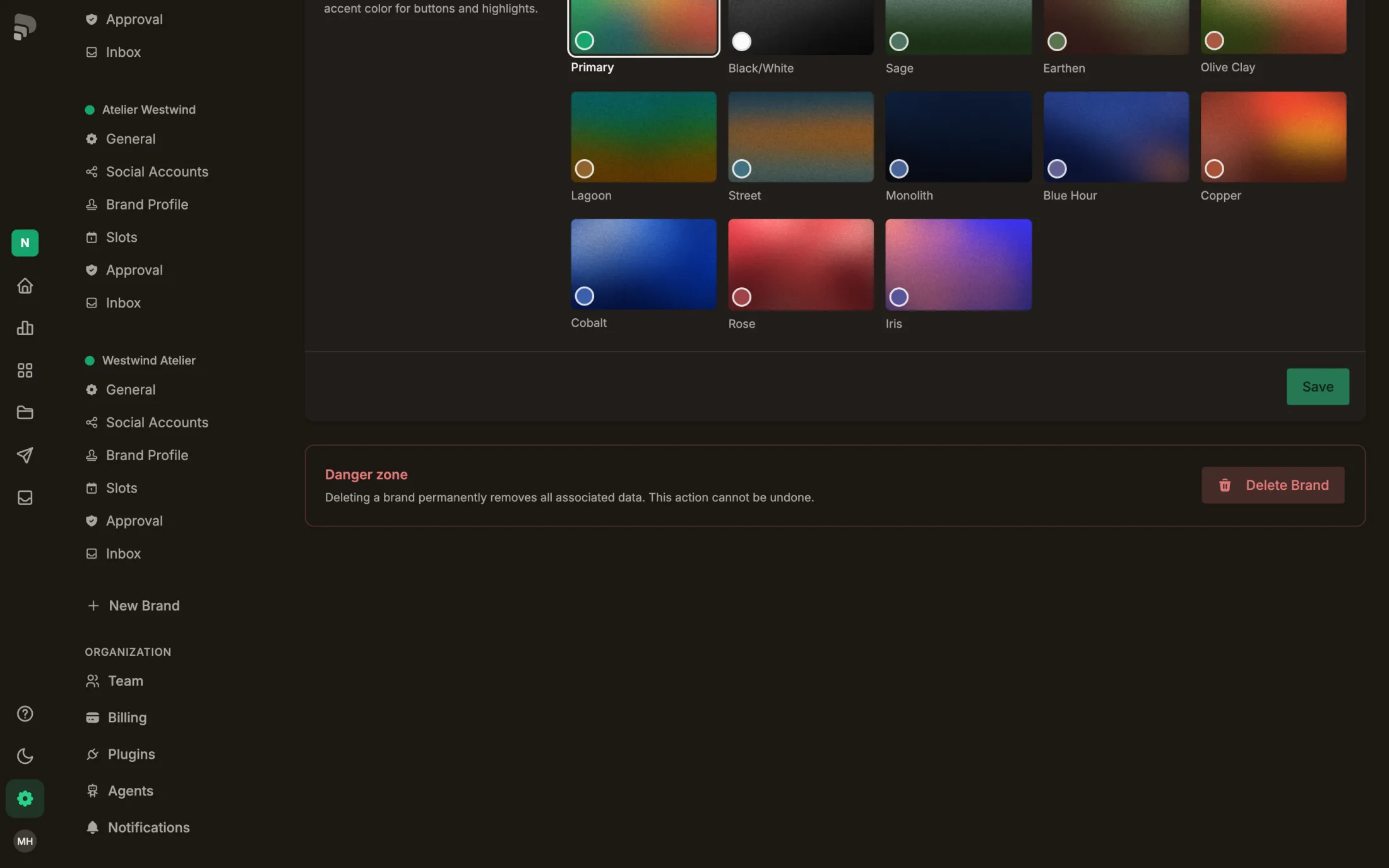
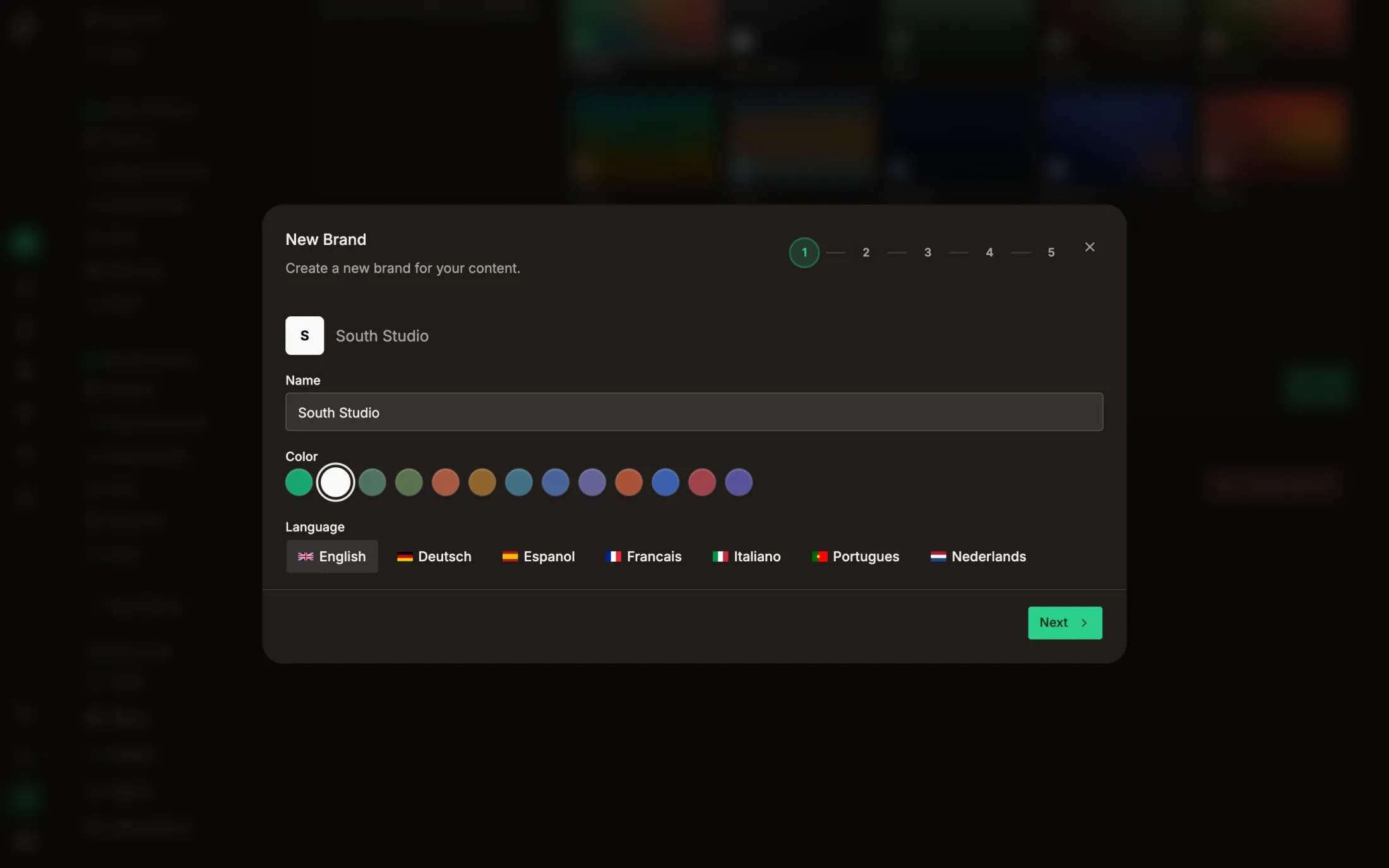
Give the brand a name. Below it you pick a picture, an accent colour, whose brand it is and the language of your captions.
- 3
- 4
- 5
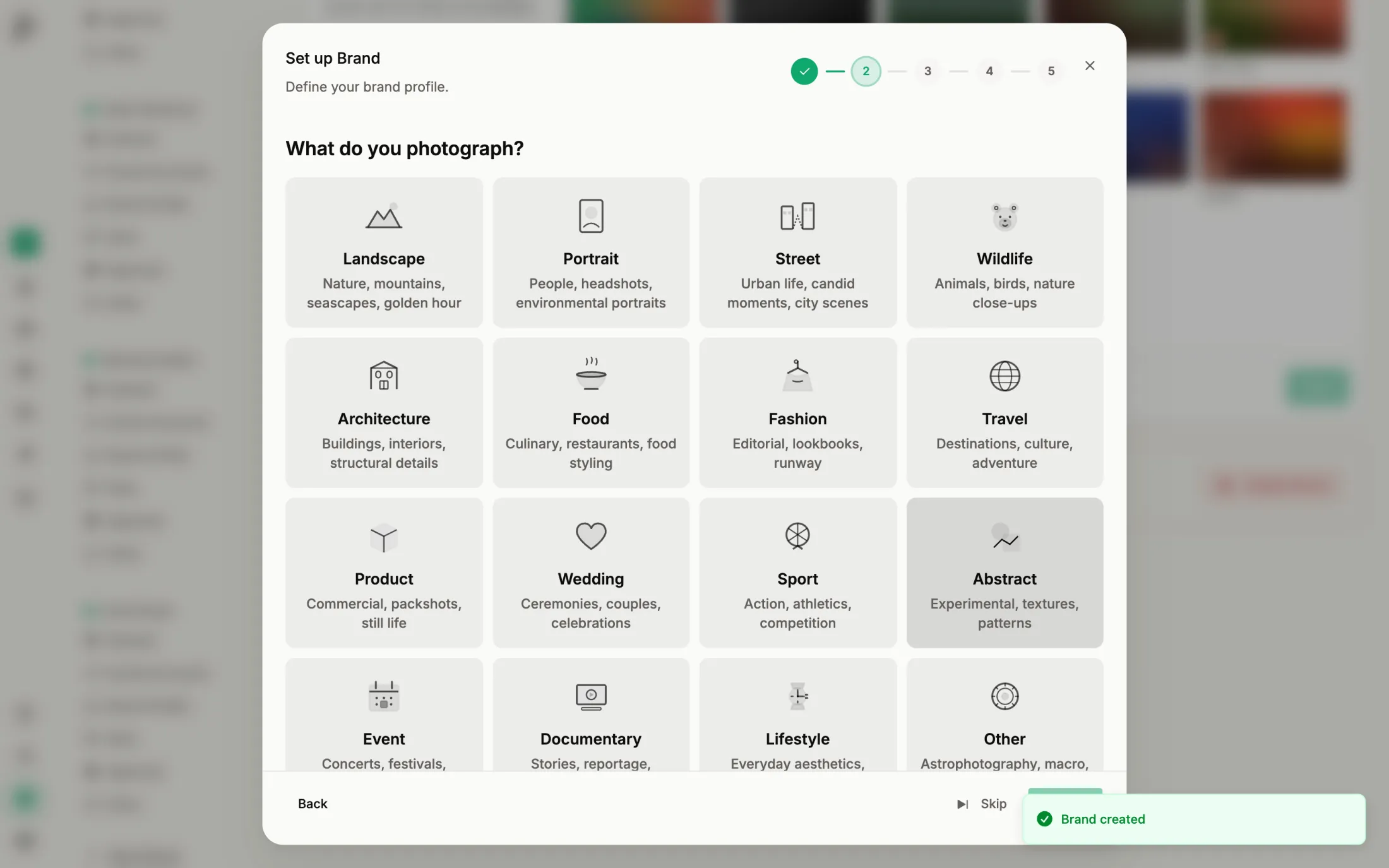
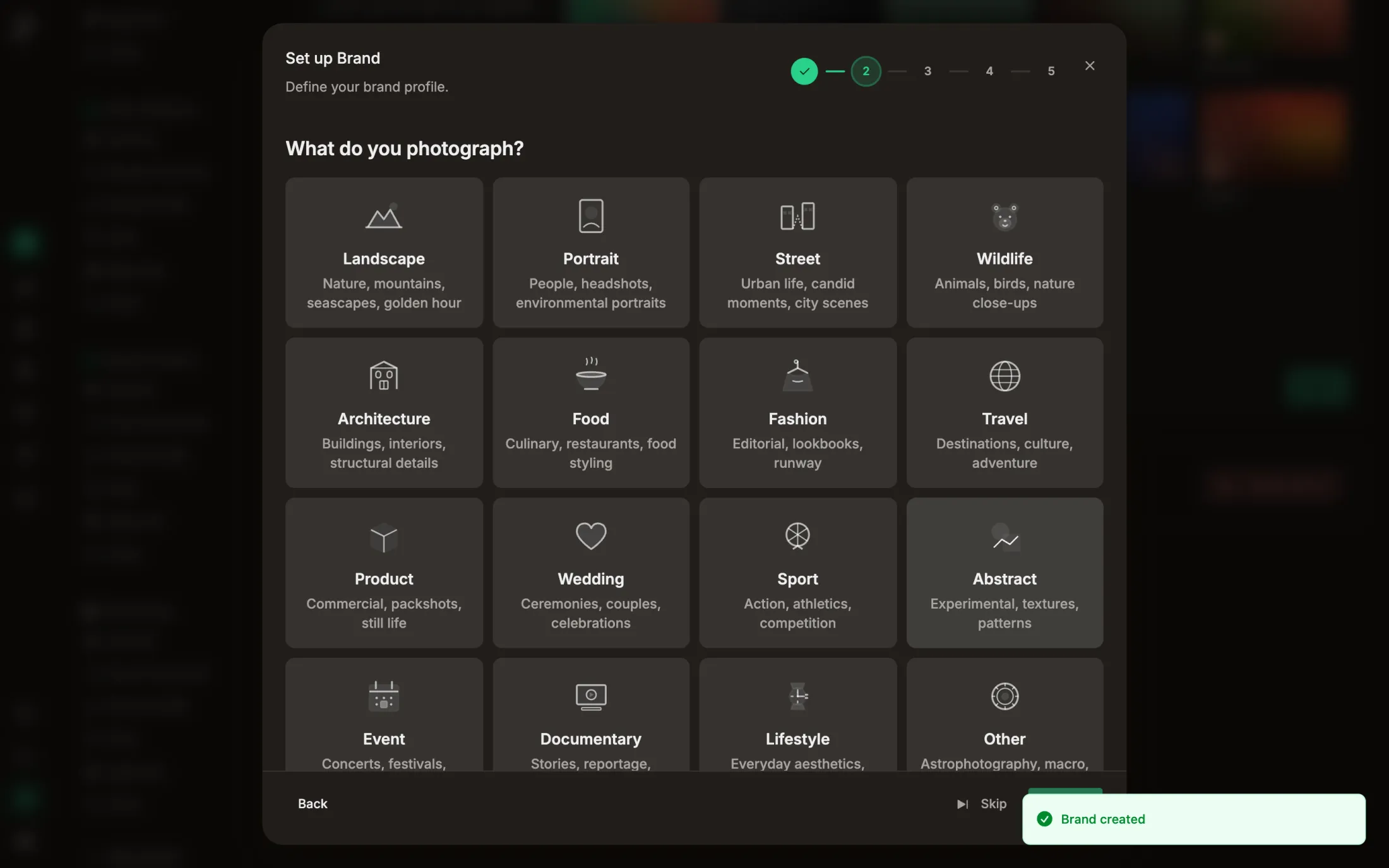
Say what you do
Write one sentence about what you do, in your own words.
- 6
Create
Click “Next”. The brand now exists.
- 7
Choose the voice
Three samples say the same thing in three tones. Pick the one that sounds most like you.
- 8
Done
Click “Done”. You can change the voice later under “Voice” in the settings.
Good to know
How many brands can I have?
That depends on your plan. When the limit is reached, “New Brand” offers a plan change.
Was this helpful?