Your channels at a glance
On this page you connect the accounts a brand posts to and see how each connection is doing.
Social accounts
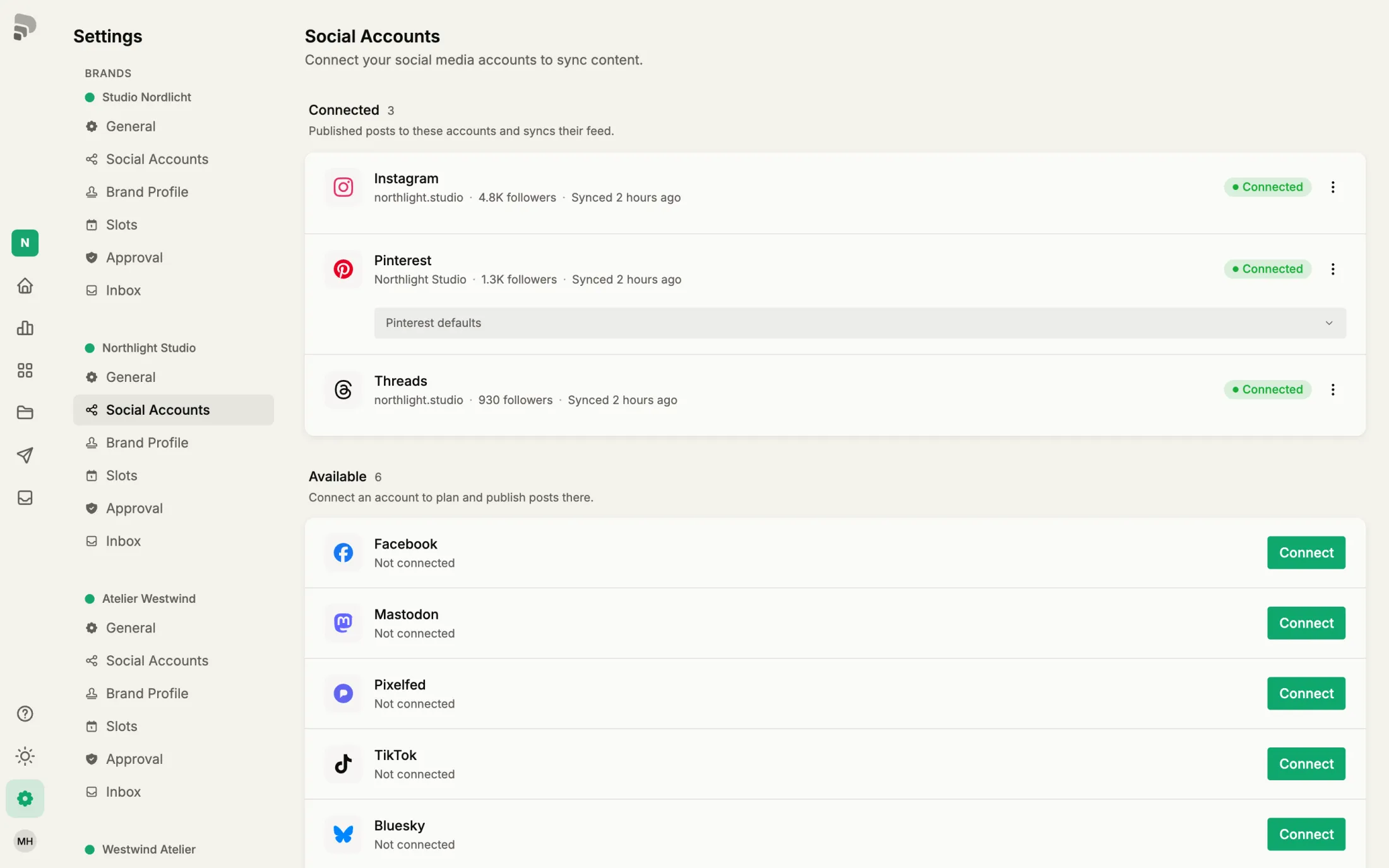
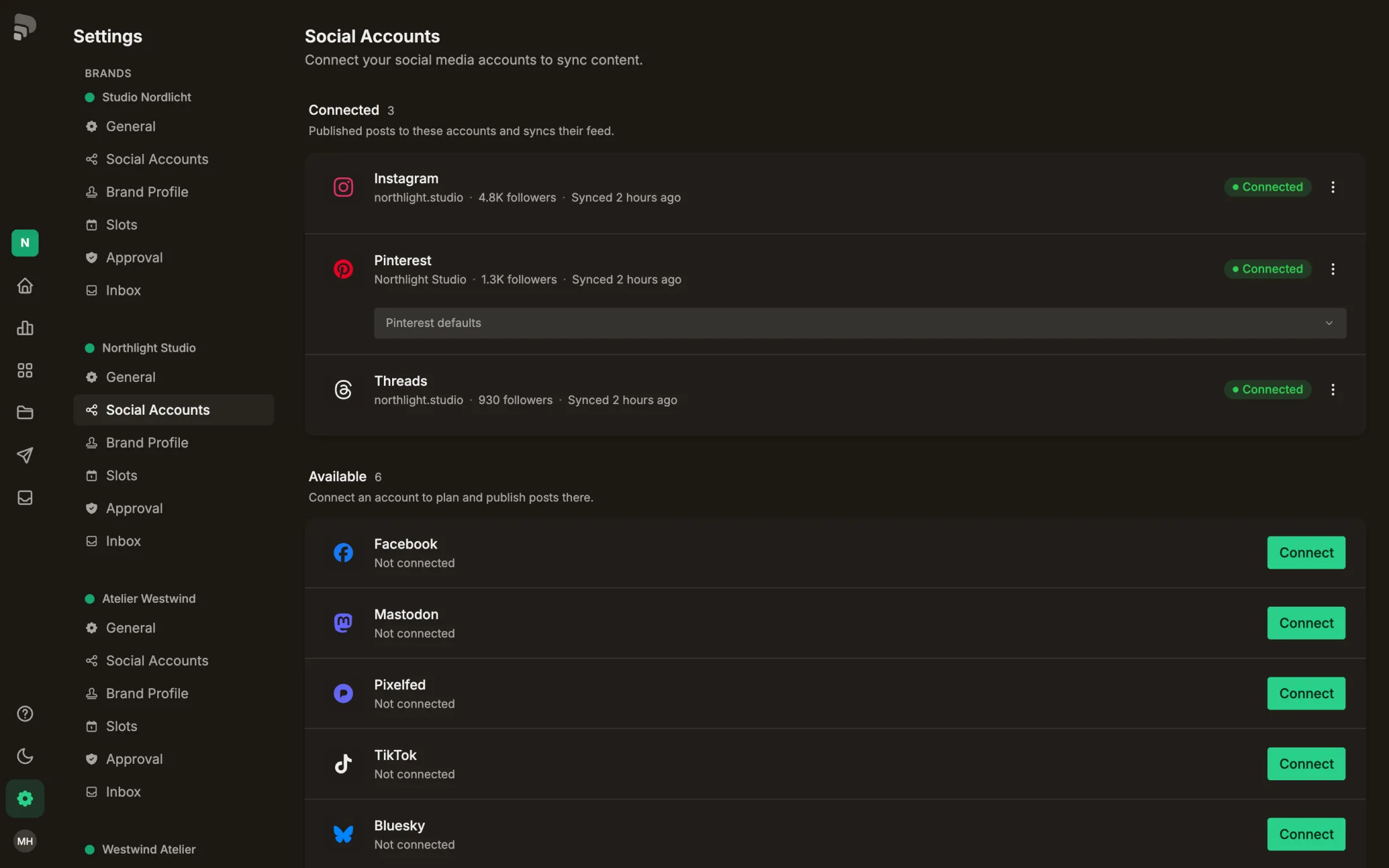
- 1
Connected
Published posts to these accounts and keeps their feed and statistics up to date.
ChannelChannelA connected account on a platform, such as your Instagram profile. A post can go out on several channels.In the glossary →
- 2
One channel
Account name, followers and the last sync. The menu at the end shows since when it is connected and lets you reconnect or disconnect.
- 3
Status
“Connected” is all good. “Expired” or “Error” means: connect it again.
- 4
Available
Platforms you can connect right away. One account per platform and brand.
Coming soon
How to get there: Scroll down to the end of the page.
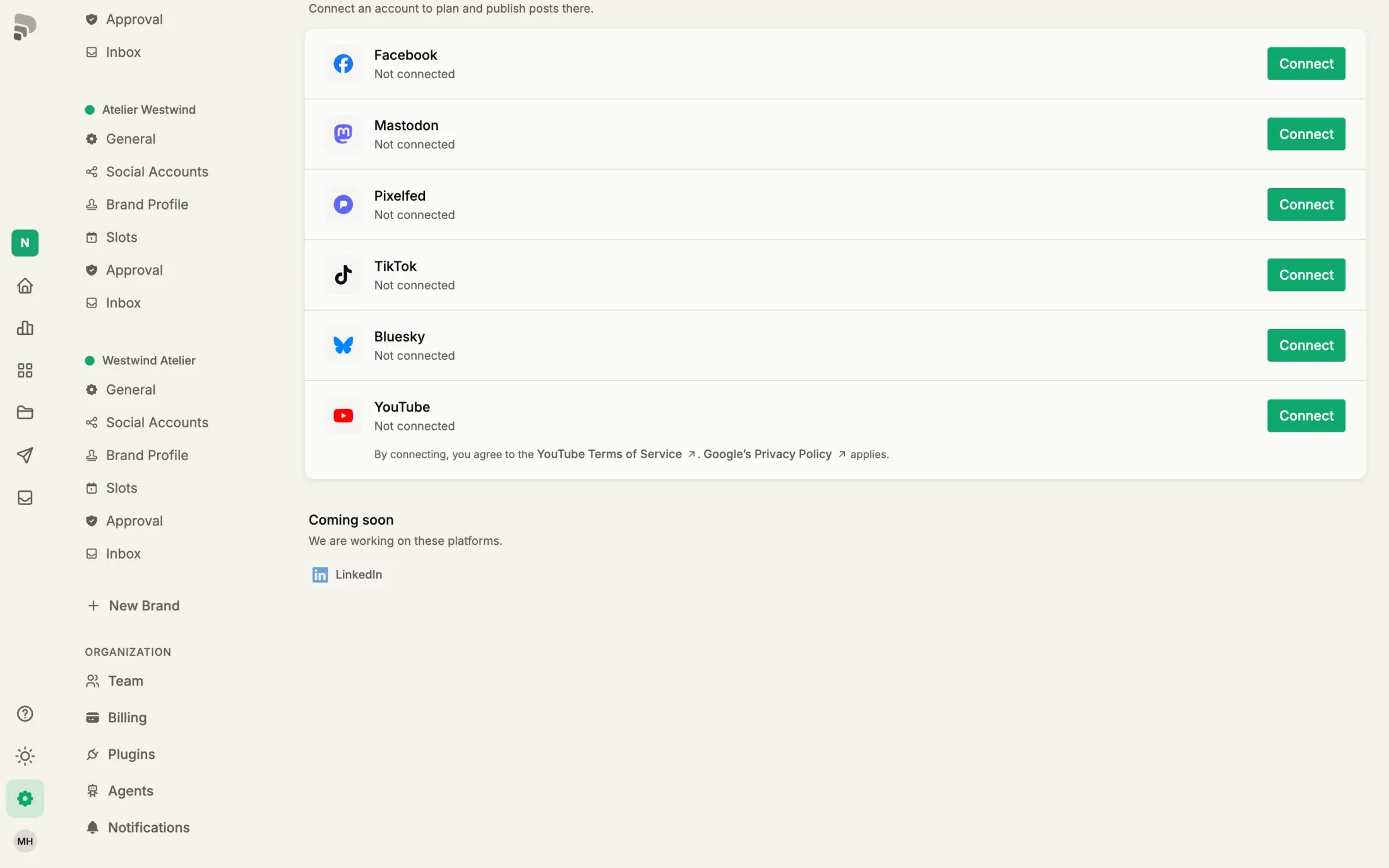
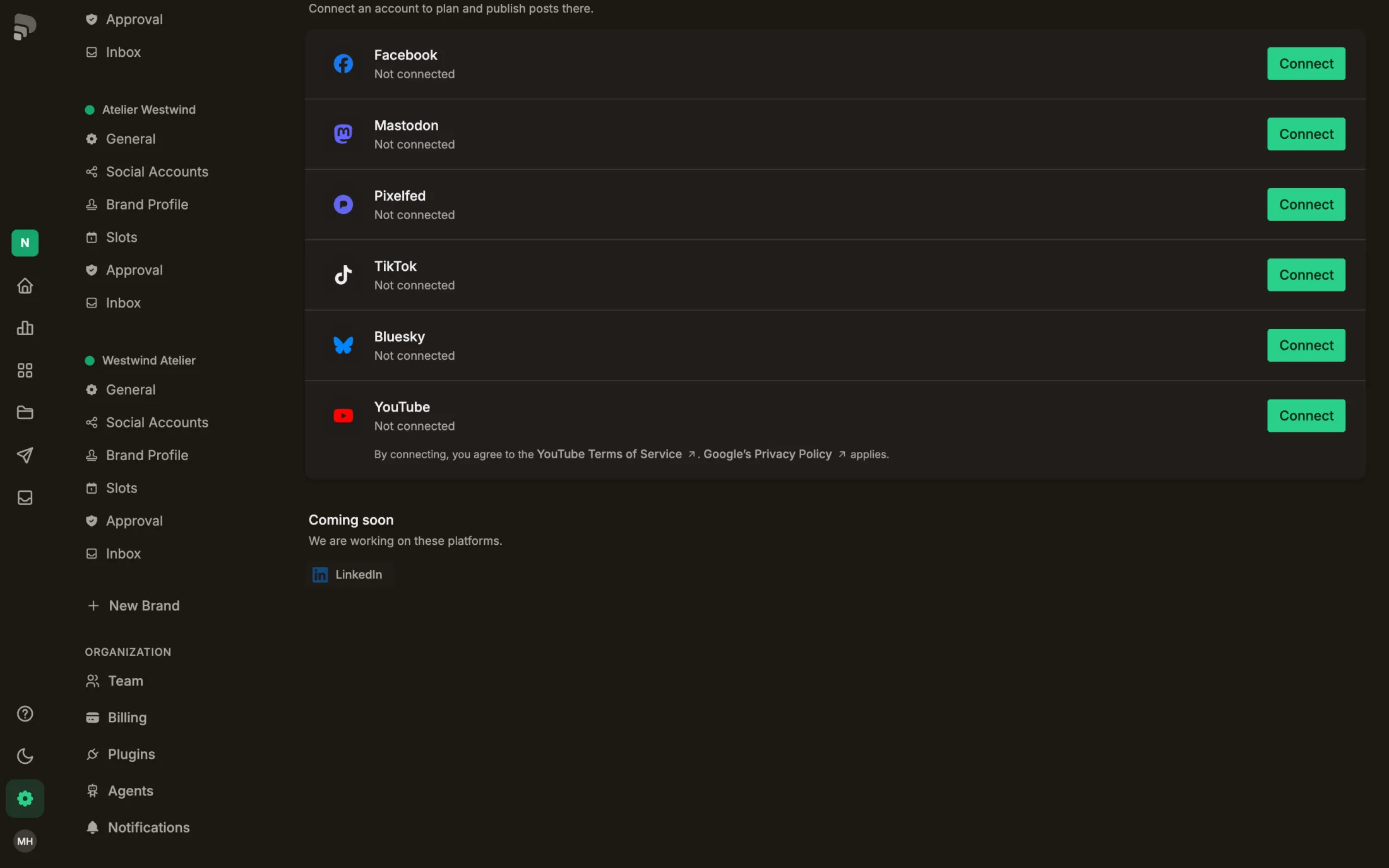
- 1
Coming soon
Platforms we are working on. They move up as soon as you can connect them.
Was this helpful?