Change name and colour
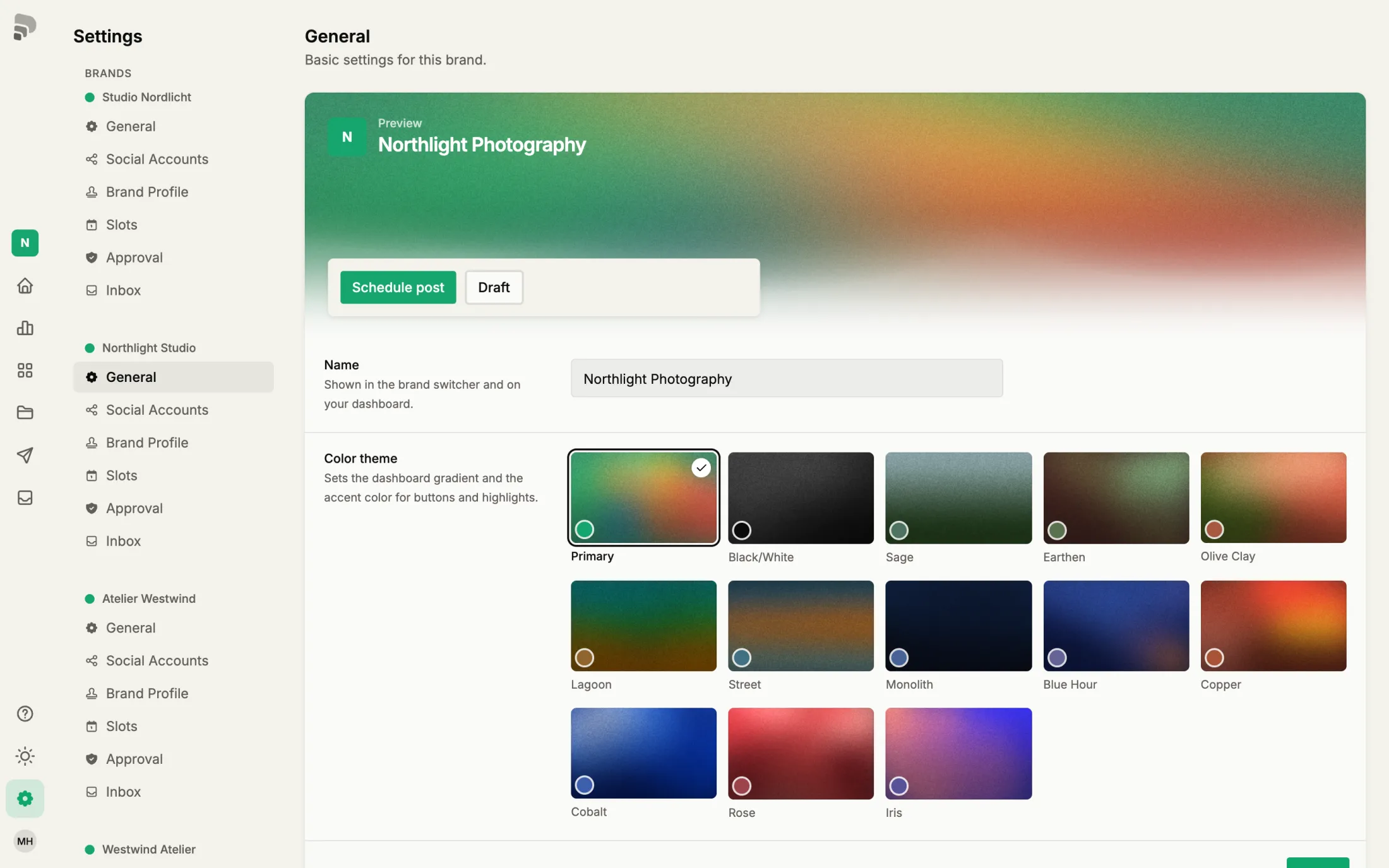
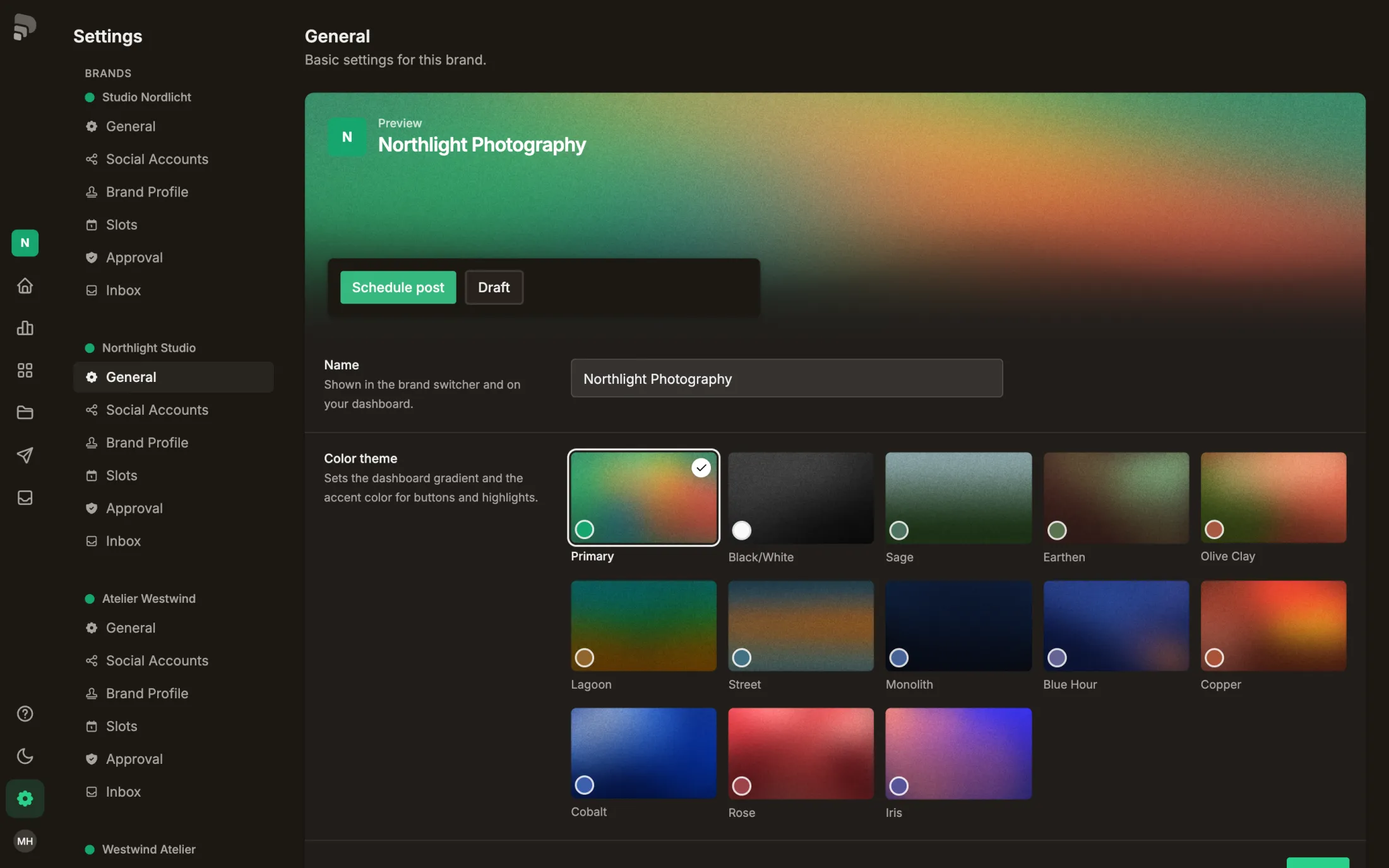
The name appears in the brand switcher and on your dashboard, the colour in gradients, buttons and highlights.
Step by step
- 1
- 2
Was this helpful?
The name appears in the brand switcher and on your dashboard, the colour in gradients, buttons and highlights.